12
Night mode:
Allows the user to set the best option for photos.
Temp. units:
(°C/°F)
Allows the user to select the temperature display.
About the device:
Allows the user to display system information:
- Software version number
- Hardware version number
- Model number
- SIM card number
& more.
Factory reset:
Allows the user to restore the device to its original state.
Quality:
(Normal/High)
Allow the user to set the photo quality. (5MP/12MP)
Schedule
Allows the user to set the period of operation of the camera for each
day of the week. The start and stop time are the hours during which the
camera is in action and can record pictures or videos. For an activation of
24 hours, the same start and stop time must be entered
Note: The hours can be recorded over a 12 or 24 hours period. Refer to
the «Time format» option.
Battery type:
(AA/LIT-09/12V)
Allows the user to select the battery type he is using to get a more precise
battery level reading
Info on photos:
(Yes/No)
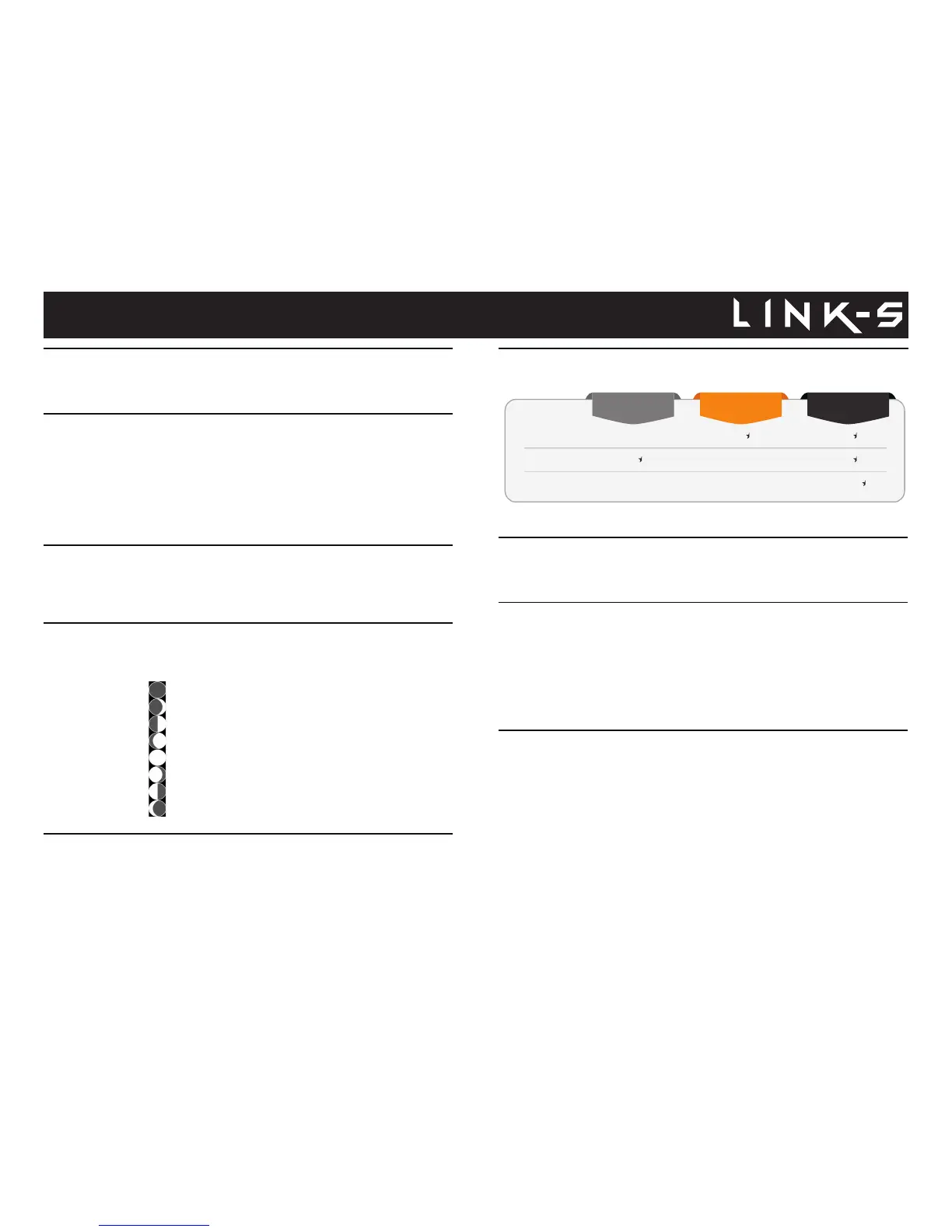
Allows the user to have date, time, temperature and moon phases printed
on the photos.
New moon
Waxing Crescent
First Quarter
Waxing Gibbous
Full moon
Waning Gibbous
Last Quarter
Waning crescent















 To Next Page