Instruction manual for the DMC-EZ (DICOM Media Creator) - Viewer
11
1.6 Export
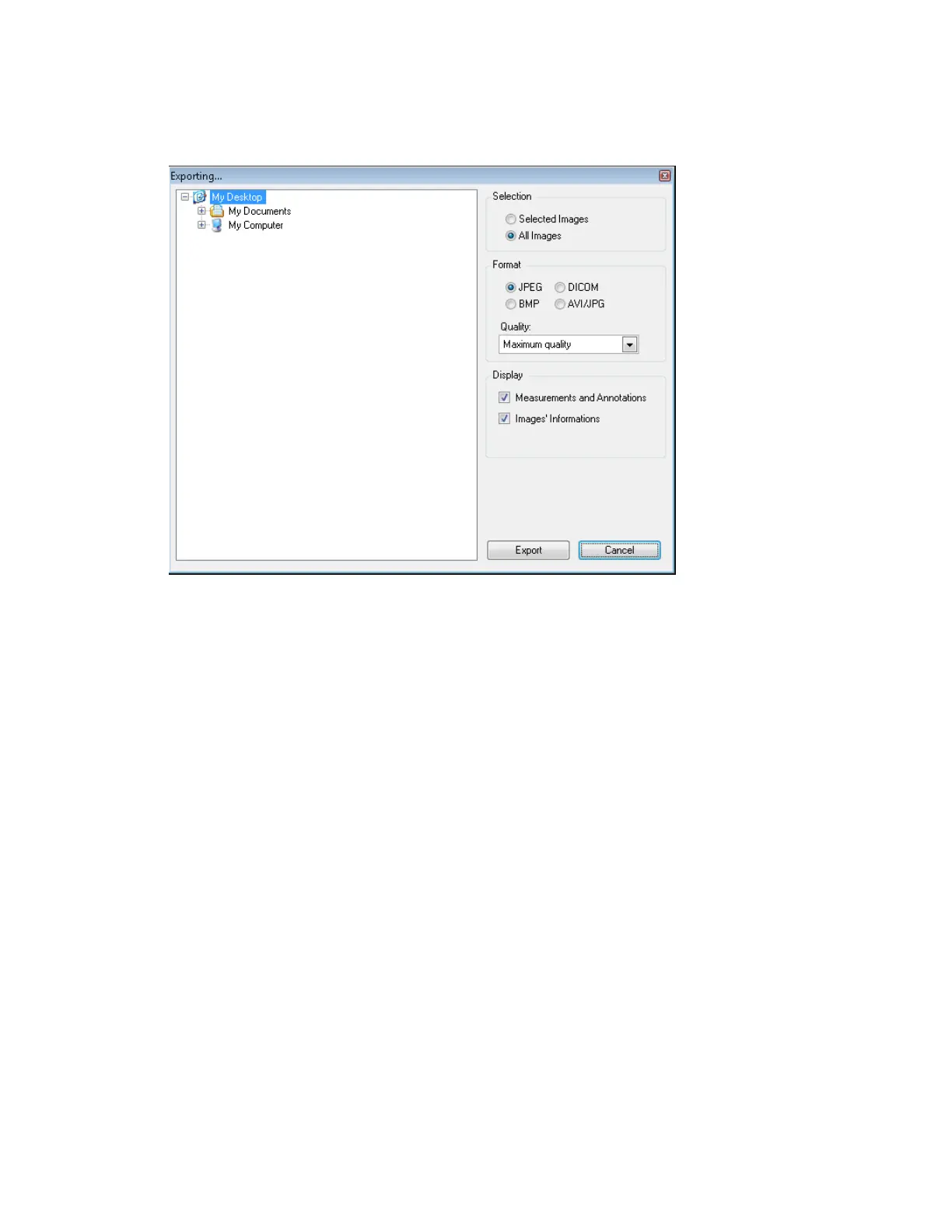
With the Export functionality you can export Images in several formats. Click on the
Export button to open the Export window.
On this window you can choose to export Images with or without Image Information,
measurements and annotations, as well as choosing the exportation format and quality. You
can also choose whether you want to export only the current Series or all the current Study.


 To Next Page