Instruction manual for the DMC-EZ (DICOM Media Creator) - Viewer
8
1.5.2 Groups
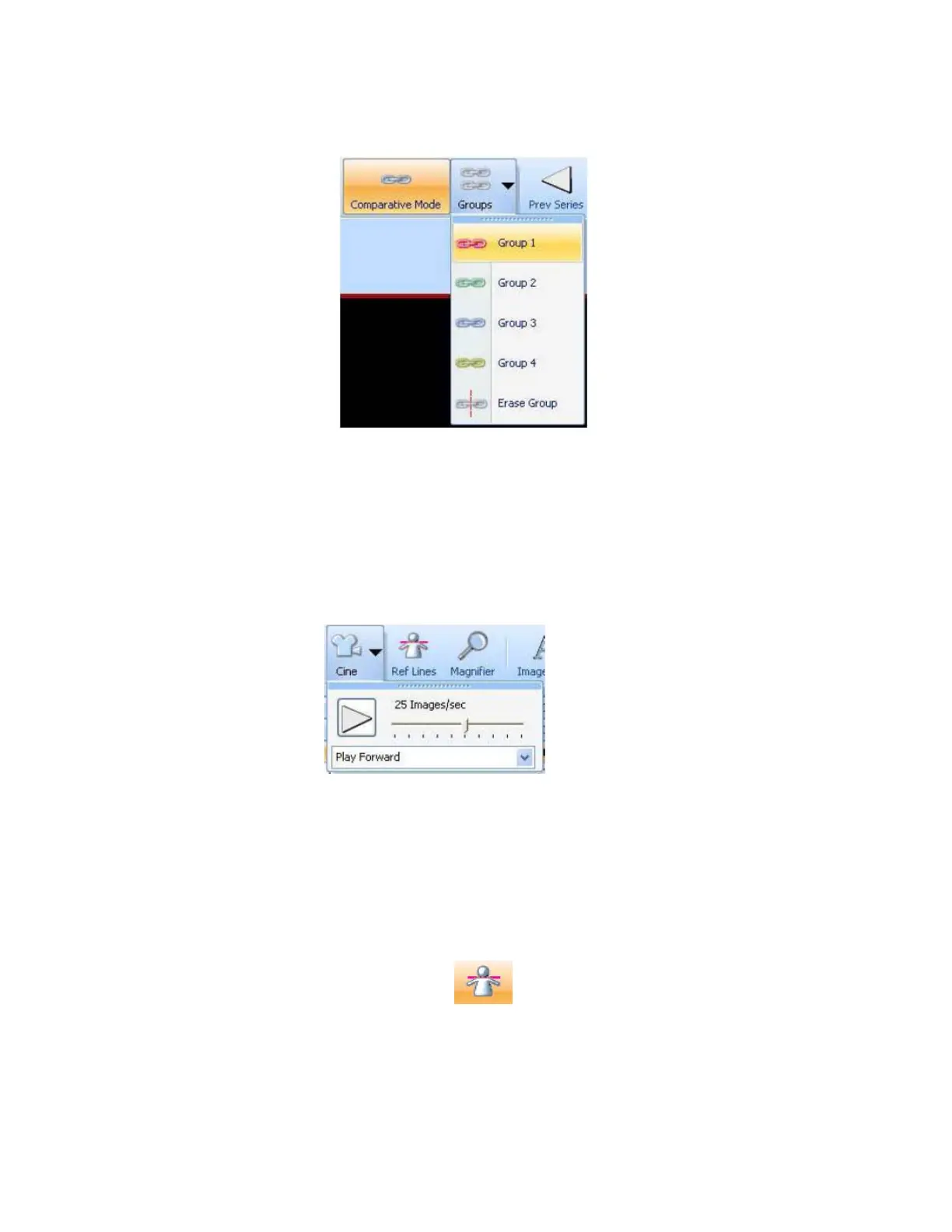
The Groups tool is an extension of the Comparative Mode. You can assign Series to a group. If
you do so, all the Series of this group will be in Comparative Mode.
For example, assign two or more Series to a group and scroll. All the Series assigned to this
group will scroll together. You can create up to 4 groups.
1.5.3 Video Control
With the Video control tools you can visualize Series like a film, and you can choose the Cine
speed and its direction.
Click on the Cine button to access Cine tools.
1.5.4 Ref Lines
The Reference Lines tool shows the location of the active Image as Lines in the other Series of
the Study. Simply enable this functionality by clicking on the Ref Lines button.



 To Next Page