Instruction manual for the DMC-EZ (DICOM Media Creator) - Viewer
5
1.3.3 Annotations and Measurements
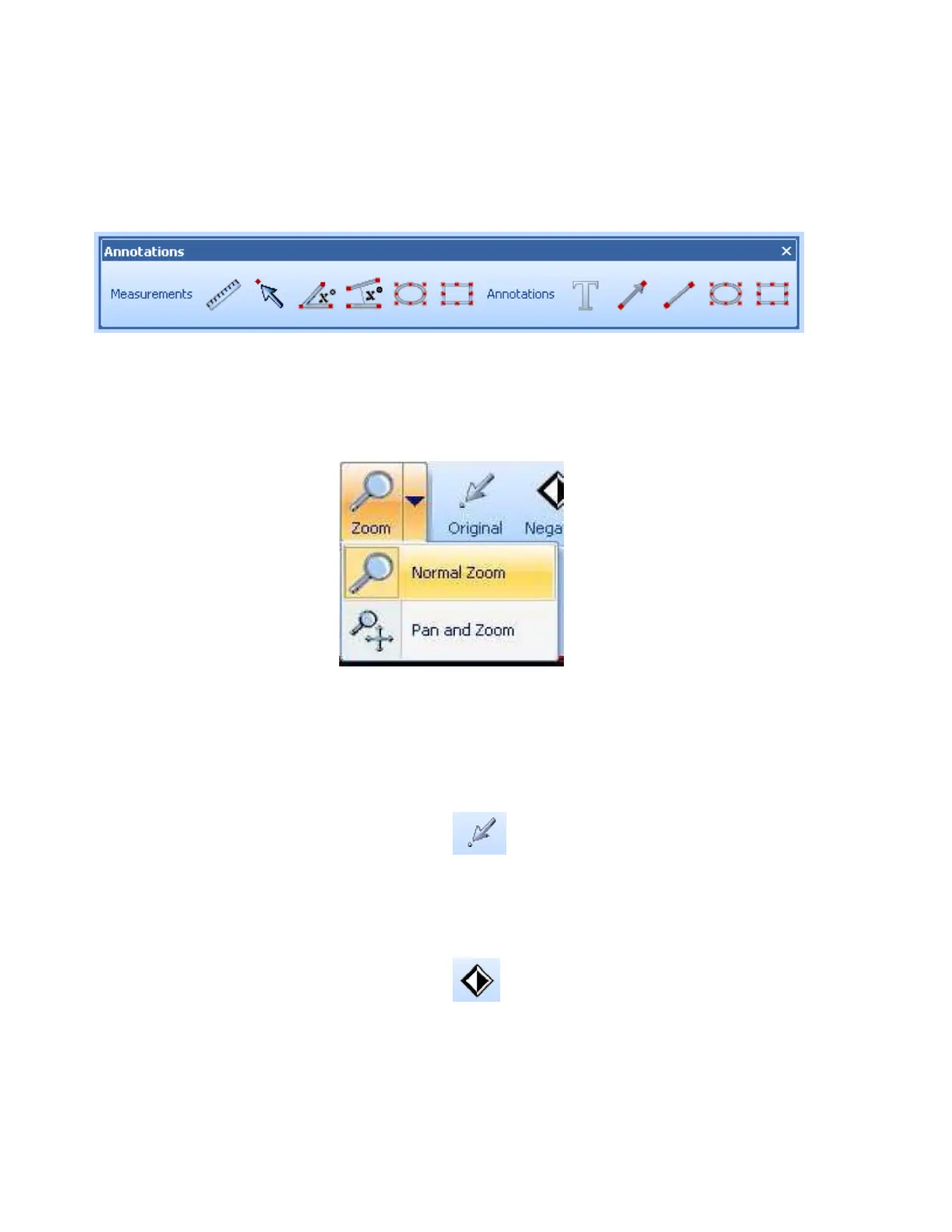
The annotations and measurements tools allow you to quickly add measures and annotations
to Images. Click on the Annotations button and select the measure or annotation you want to
add.
1.3.4 Zoom
You can zoom in the current Series using one of the Zoom tools.
With the Normal Zoom tool, you can simply zoom in or out the Image with a right click and
drag. The Pan and Zoom tool will also center the Image where you clicked.
1.3.5 Original
The Original tool returns the current Series to its original windowing, zoom, rotation and
position.
1.3.6 Negative
The Negative tool allows you to invert the colors for the current Series.


 To Next Page