Instruction manual for the DMC-EZ (DICOM Media Creator) - Viewer
12
1.7 Print
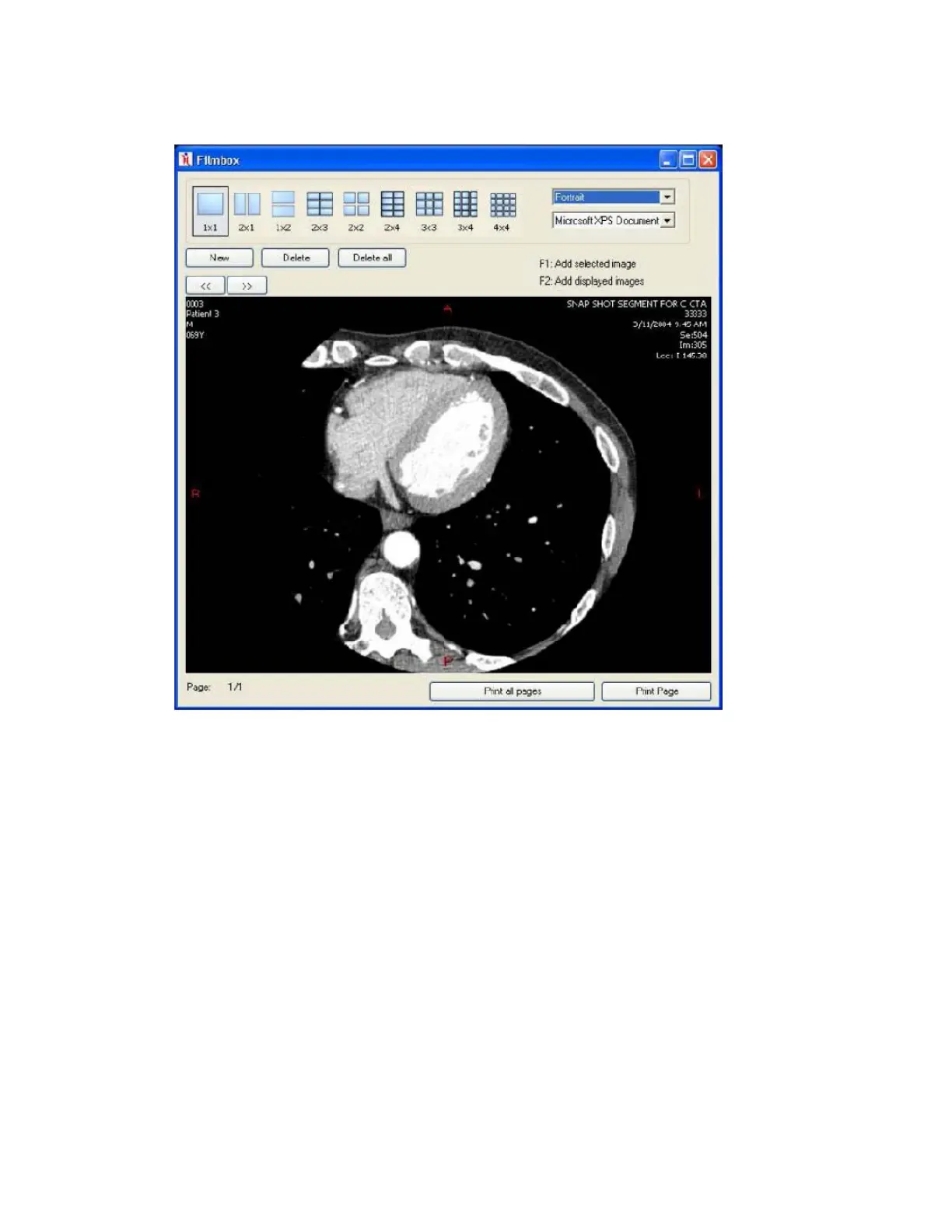
The Print tool allows you to print selections of Images in multiple layouts.
You can add selected Image to the filmbox by pressing F1, or all the displayed Images by
pressing F2. Once you have added all Images you want to the filmbox, click on Print to open
the Print window. You can there select the layout you want and print Images.


 To Next Page