Instruction manual for the DMC-EZ (DICOM Media Creator) - Viewer
7
1.4.2 Images Layout
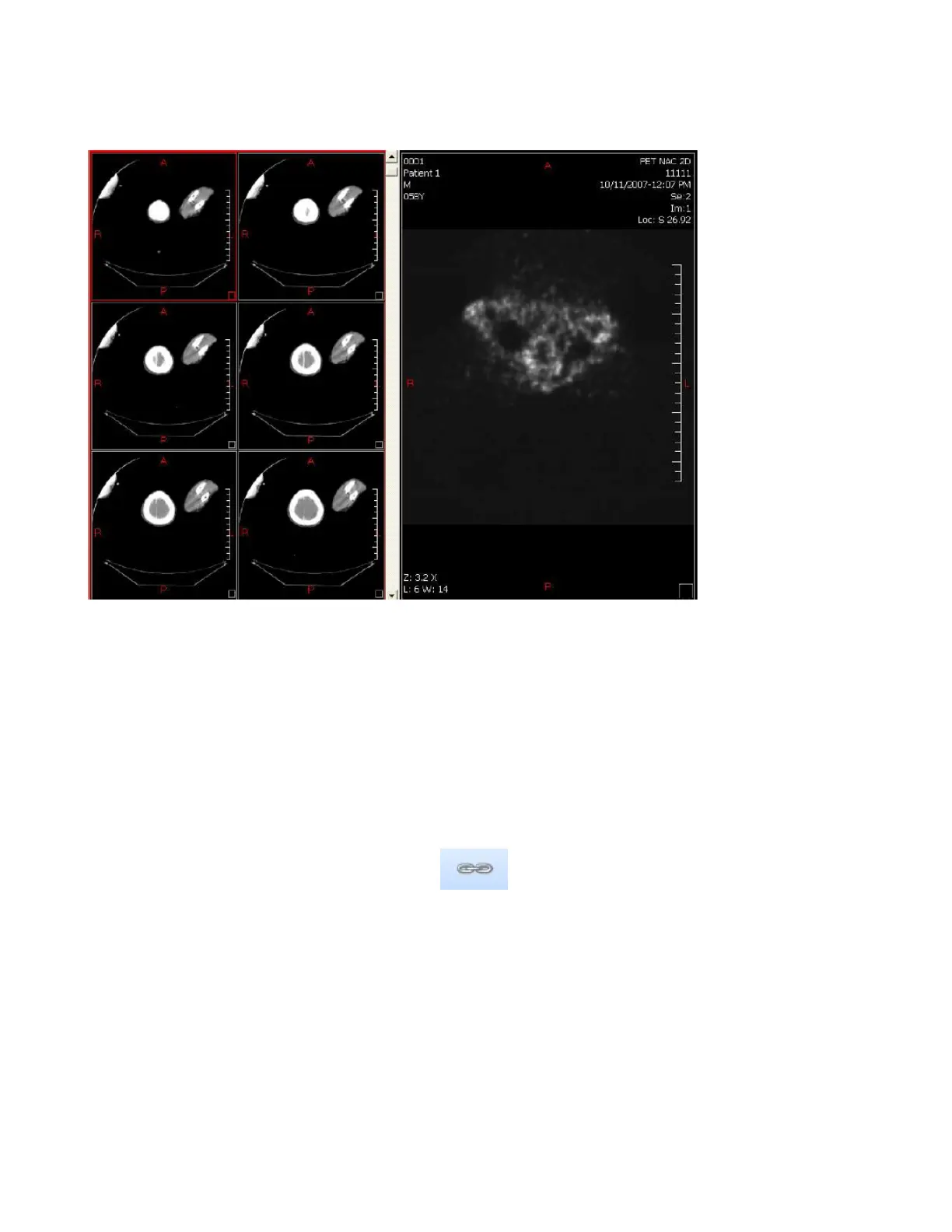
The Images Layout tool allows you to visualize multiple Images from the same Series at the
same time.
Simply click on the Images button and select a Layout.
1.5 Other Tools
1.5.1 Comparative Mode
The Comparative Mode allows you to scroll into different Series at the same time.
Select a 2x1 Series Layout, add a Series in each Viewport, Click on comparative Mode and
scroll on a Series. Both Series will scroll at the same time.


 To Next Page