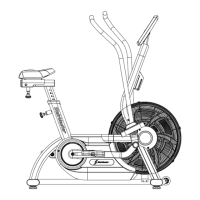
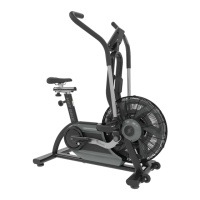
Page 46
PARTS REMOVAL AND REPLACEMENT
HANDLEBAR ASSEMBLY
3300 CE
1. Remove the console and neck covers.
2. Loosen and remove the four screws and flat washers from the frame
tube (see Figure 14).
3. Hold onto the handlebar with both hands and remove the handlebar
assembly from the frame tube. You may have to twist the handlebar
assembly as you pull up on the handlebar.
4. Reinstall in the reverse order.
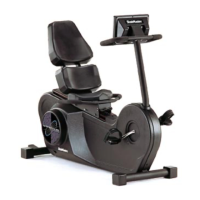
3900 RC
1. Remove the console.
2. Loosen and remove the four nyloc nuts from the mounting flange (see
Figure 17).
3. Remove the mounting bolts and flat washers from the frame.
4. Hold onto the handlebar with both hands and lift the handlebar off
the frame.
5. Reinstall in reverse order.


 To Next Page