1.2 Printing Via PC
1
Prepare PC connected to the same network where the printer is connected to.
2
Run STANLEY 3D Slicer program.
3
Press the “Print” button.
4
Following Steps (Same as steps 3~7 of printing via USB)
Note
-
For fan speed configuration, Pause, print cancelation, please refer to "USB printing" section.
1.3 Print Job Management
You can manage print jobs in queue.
1
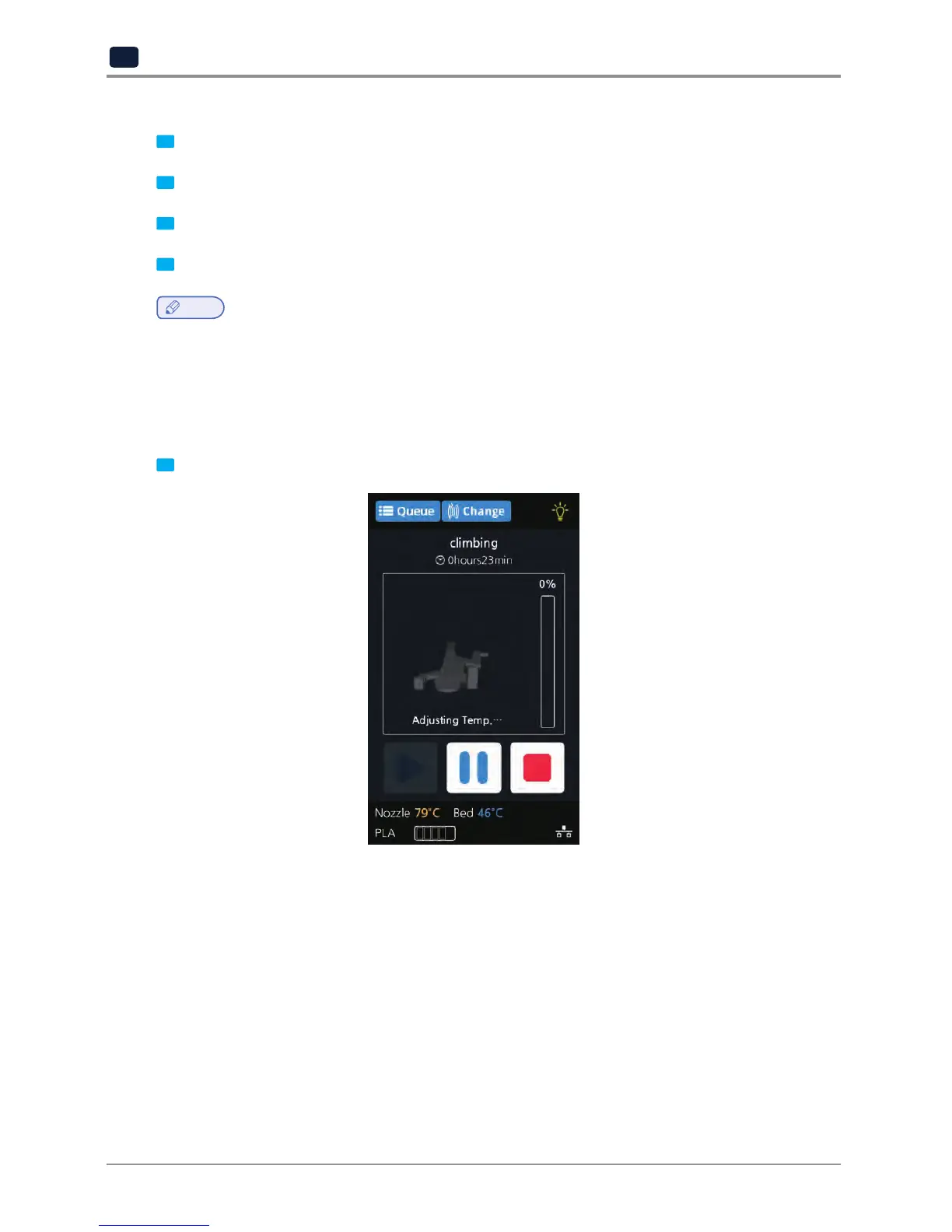
Press the [Queue] button on the upper left hand corner while printing.


 To Next Page