- 26 -
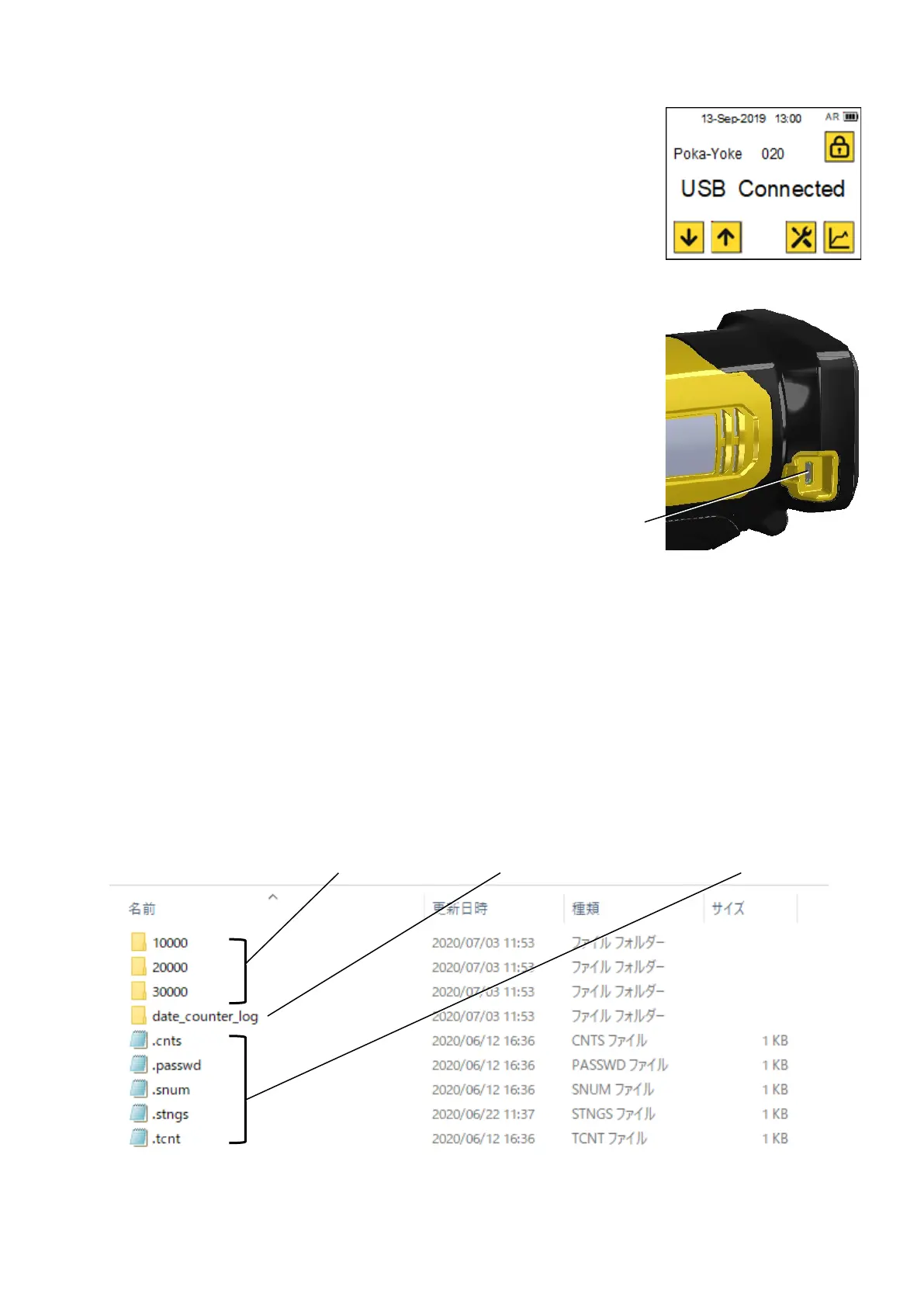
A message “USB Connected” is displayed.
Connect the tool and your PC by a cable of
Micro USB B type.
Your PC recognizes the tool, it takes about
1minute to recognize the tool.
After completing the data reading, you can see the data stored in the tool like a picture below.
The data until 10,000 are stored in the “10000” folder, if you open the folder, you can see folders
for each 1,000 data.
“csv.” files are the data for the rivet curves and assessment results. Yon can open the csv files in
your Microsoft Excel etc.
Copy the files accordingly. *If you try to copy a lot of data, it takes much time, please copy them
little by little and you cannot delete the data in this menu.
Date file includes the number of fastening on that a day or in that a month.
After working, disconnect the USB cable from the tool.
Data for number of riveting



 To Next Page