Page 37
8 Series & E Series LED/LCD Elevation Calibration Procedure
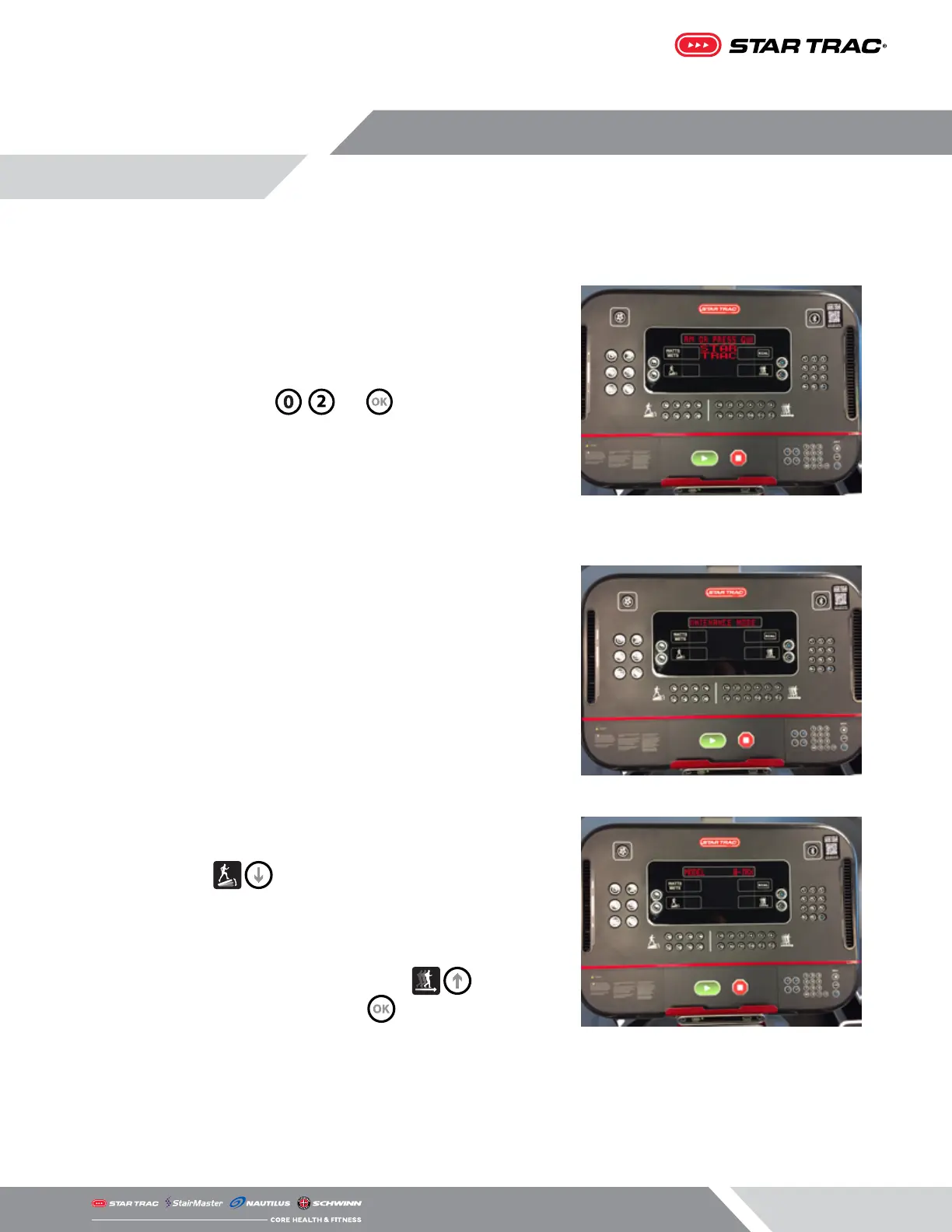
1. From the idle screen (unit is powered on but not in a program),
press and hold the , and keys together.
2. The word “MAINTENANCE” will temporarily show in the marquee
window, then go to the rst setting.
3. Press the until the marquee window reads “MODEL”.
Verify that the model shown on the right side of the information
window matches the base it is installed on (i.e. 8TR vs 8TRx).
Note: If the model is not correct use the to toggle
between model types then press when the correct one is
showing.














 To Next Page