Page 34
Touchscreen & OpenHub Consoles
To enter maintenance mode on a 15” touchscreen display, simultaneously press the Vol UP, Channel
UP and the number 3 on the media center keypad.
To enter maintenance mode on the 10” touchscreen display, in sequence press the top left corner,
then center of screen, then top left corner.
The maintenance menus for the touchscreen displays contain many of the same options as for the
LCD displays, as well as a few extra options related directly to touchscreens, such as touchscreen
calibration. A limited Manager Mode is also available on the touchscreens.
Refer to the OpenHub Service Manual for more information and complete instructions on mainte-
nance and manager mode.
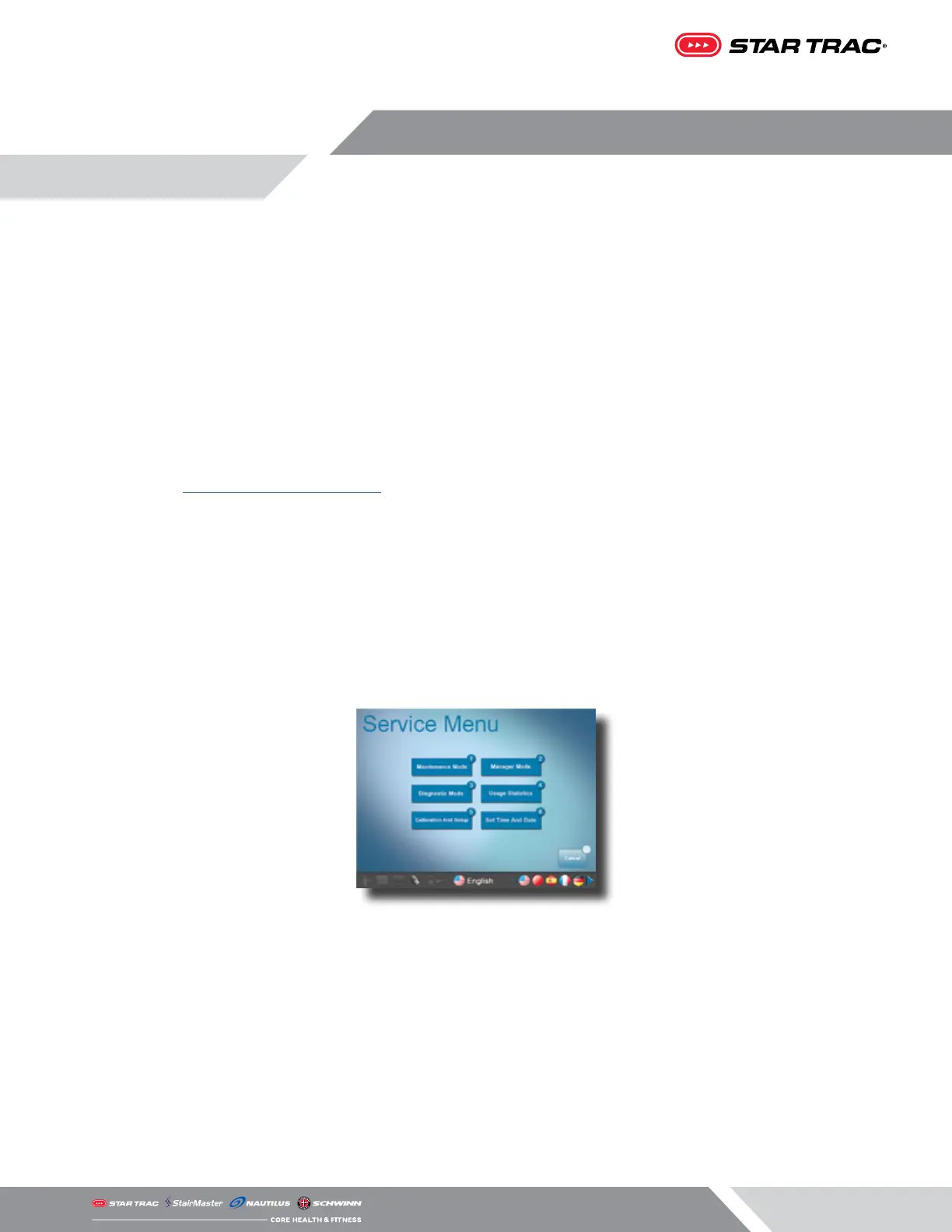
SERVICE MENU
To access Service Menu options:
1. While in Home Screen, press “VOL Up, CH/TRK Up, and 3” simultaneously. W
2. Service Menu will now be displayed.
3. Select a sub-menu from the list (i.e. Maintenance Mode), a pop up window appears requesting a Password.
4. Enter password 218 to gain access to the sub-menu (i.e. Maintenance Mode).














 To Next Page