Installing or Replacing Console Batteries
Time required:
• 5 Minutes
Parts required:
• 4 new AA alkaline batteries
Tools required:
• Slotted or Phillips screwdriver
NOTE: The batteries in the computer will last approximately
1 year depending on usage. The cadence sensor battery will
last approximately 1 year.
1. Remove the computer from the handlebar or computer mounting bracket.
2. Loosen the captive screw on the back of the battery cover (screw will not
completely come off, it will remain captive.) To remove the cover, pull on the
captive screw and lift.
3. Install 4 new batteries.
NOTE: Replace all 4 batteries at the same time.
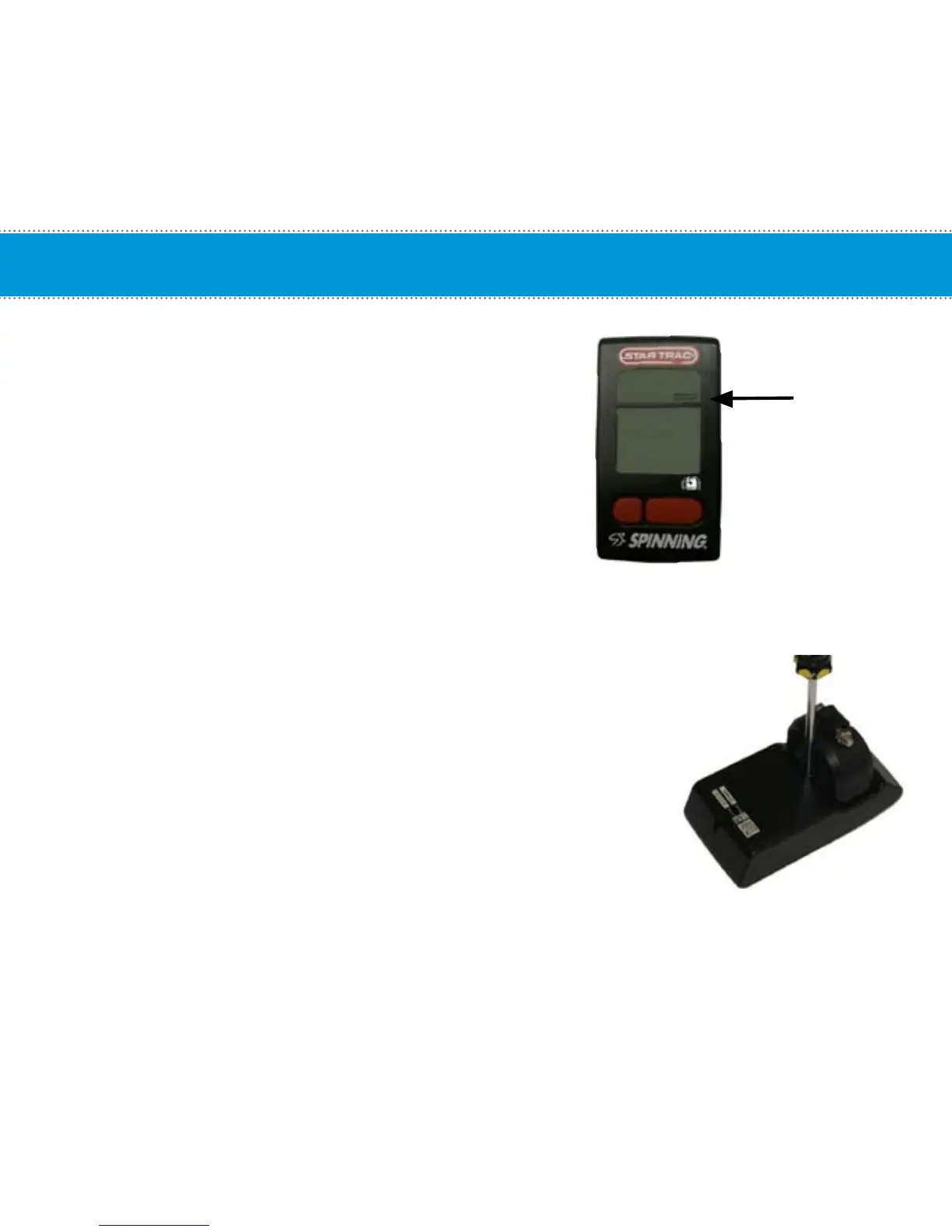
Low Battery
Indicator
8


 To Next Page