Maintenance Checklist
22
Star Trac strongly recommends performing the regular daily, weekly and monthly preventive maintenance
routines outlined below. If any items need replacement contact the Star Trac Customer Support Department
at 800-503-1221 or 714-669-1660.
D= Daily W= Weekly M= Monthly
D W M Procedure
√
√
√
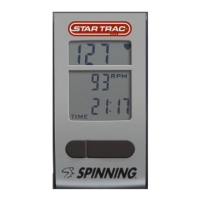
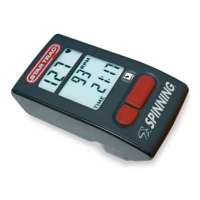
Daily maintenance of the computer will determine its life of the computer by how consistently it is
performed.
• Wipe down the computer with a soft cloth after each use.
• Dilute Simple Green (1) with water (30) (30:1 ratio) spray onto a soft cloth then wipe the Spinner
®
Computer.
NOTE: Never spray directly onto the Spinner
®
Computer.
• Never use abrasive cleaning liquids or oil base, ammonia or alcohol when wiping down the computer.
√
√
The weekly maintenance should focus on the overall performance of the computer. During this portion
of the maintenance look for vibration and possible loose assemblies.
• Inspect each computer for loose parts, bolts and nuts. Adjust as necessary.
• Remove any computers that are not properly mounted or deemed unsafe.
√
√
√
√
The monthly maintenance check should be a comprehensive inspection of the overall assembly
components of the computer.
• Inspect all areas for proper adjustments
• Inspect all parts to determine damage which will require possible part replacement.
• Battery Low will display when the battery needs replacement. Replace the batteries in the computer
with 4 high quality AA Alkaline batteries such as Duracell or Energizer.
• Inspect the mounting of the cadence sensor and magnet to insure it is intact and working properly.
NOTE: Depending on the amount of use, some procedures may need to be performed more frequently.


 To Next Page