Installing or Replacing Batteries – continued
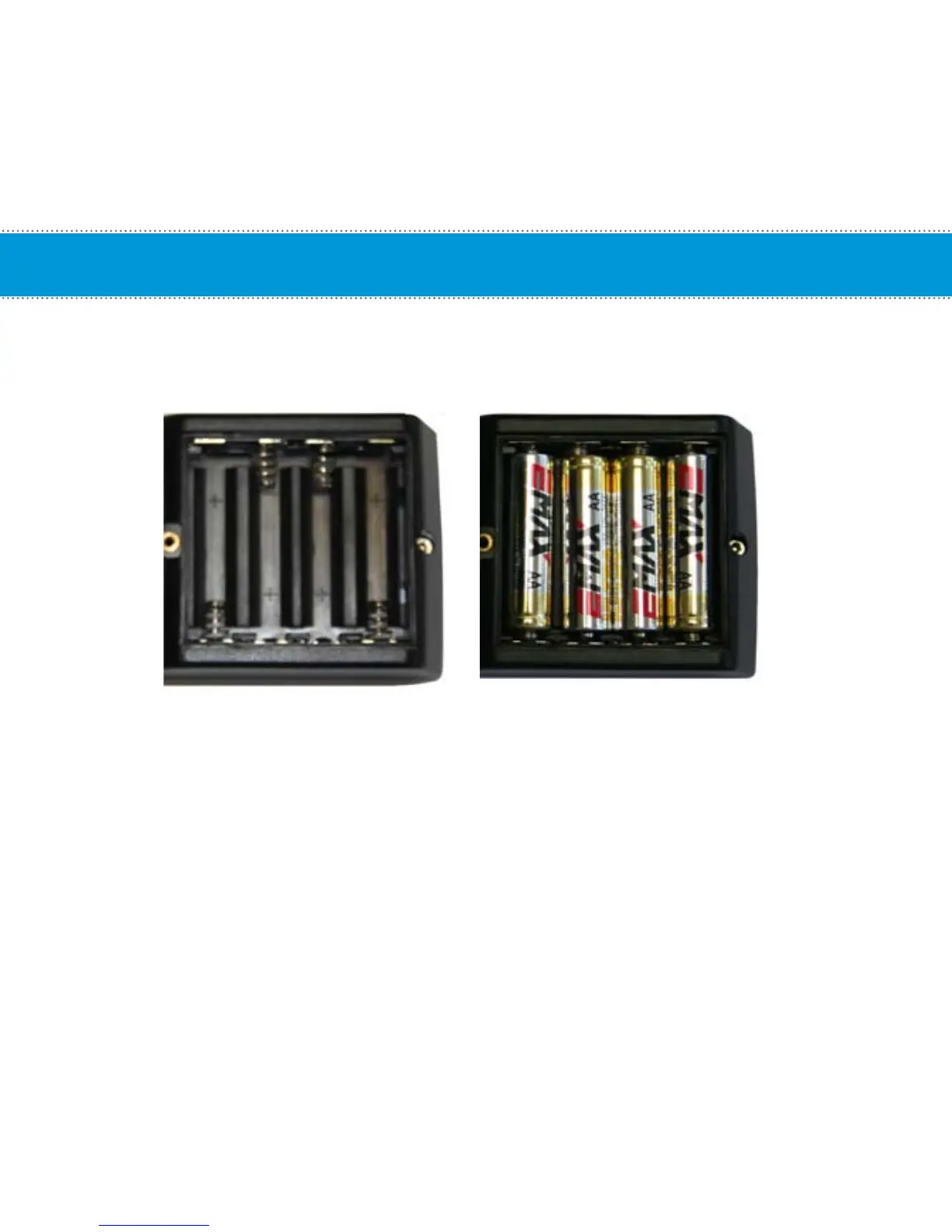
4. Note the directions each battery is to be installed. There is a plus (+) and minus (-) symbol inside the
battery compartment. The + sign indicates the positive (+) side on the battery and the - indicates the
negative (-) side on the battery.
5. Insert each of the 4 batteries into the battery compartment of the computer.
6. Attach the battery cover and tighten the screw.
7. Attach the computer onto the handlebar or computer mounting bracket and test.
9



 To Next Page