1. Before the cadence sensor is securely fastened to the flywheel support, it must be adjusted so that it is less
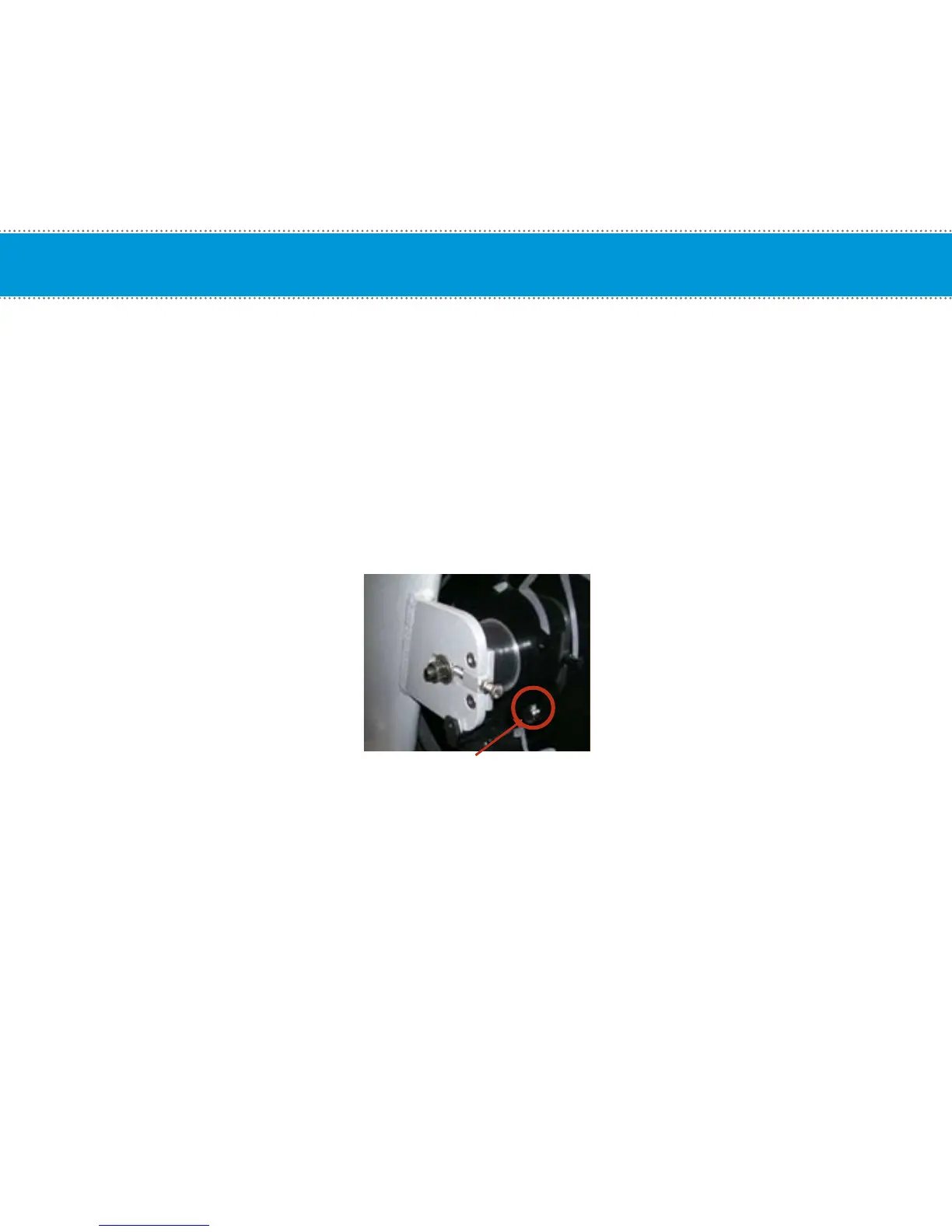
than 5mm (.20 in) from the magnet face. Install the magnet on the flywheel so that it aligns with the arrow
on the end of the cadence sensor (Do not remove adhesive backing just yet). Note the distance between the end
of the cadence sensor and the magnet face. Remove the cadence bracket and adjust the distance by pulling or
pushing the cadence sensor bracket.
2. Tighten the set screw on the cadence mounting bracket using the 2 mm Allen wrench that is provided.
CAUTION
Do not over tighten the set screw.
3. Test the computer to make sure the computer is receiving cadence by pedaling the Spinner
®
for several seconds.
4. Once you have confirmed the location, remove the backing of the adhesive on the magnet. Mount the magnet with
the adhesive tape side onto the flywheel by positioning the magnet so it will line up in front of the cadence sensor
as the flywheel turns.
HINT: Mount the magnet near one of the dots of the Spinning
®
logo as shown in the figure above.
Installation of Cadence Sensor and Magnet – All Spinners
®
18
Magnet Location


 To Next Page