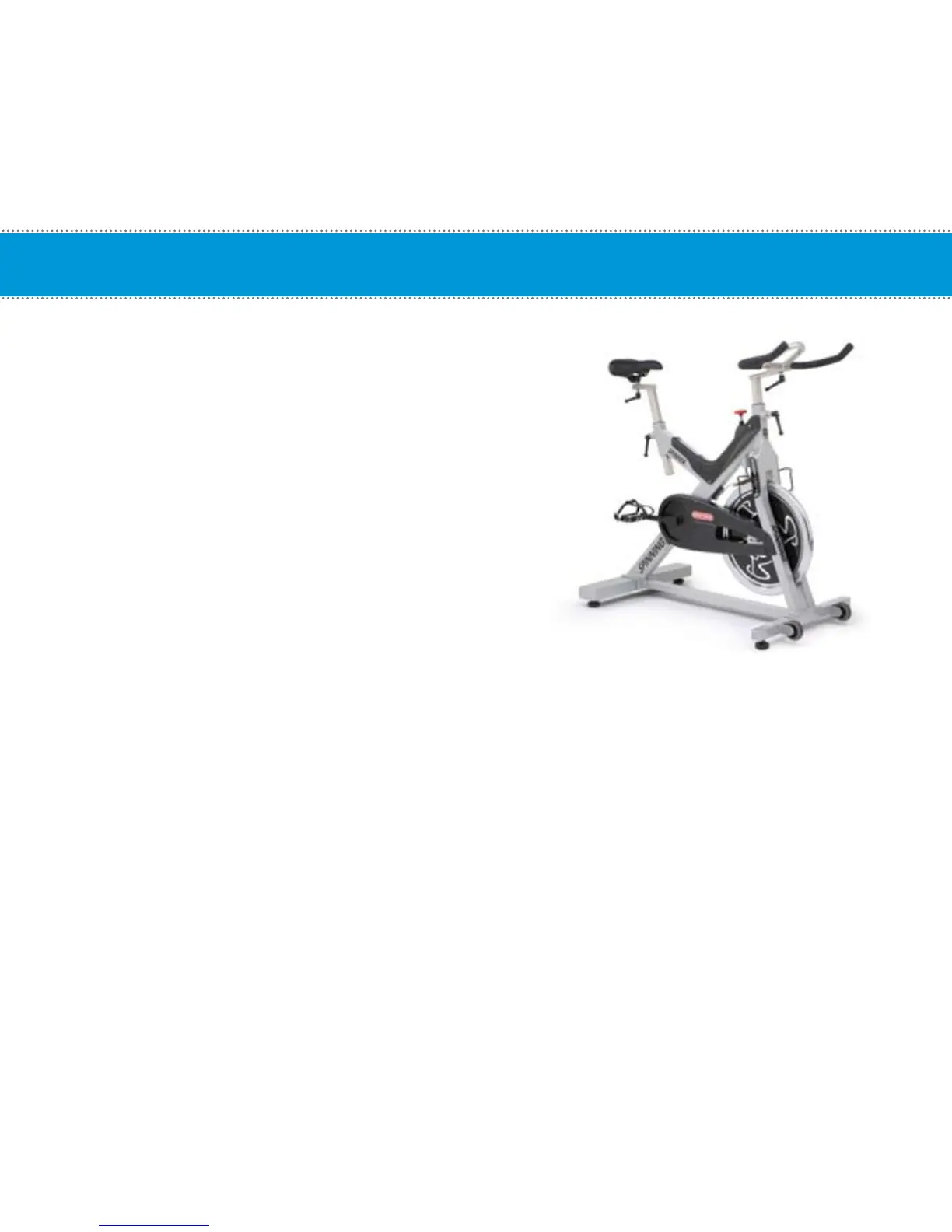
Time required:
• 15 Minutes
Parts required:
• 727-0100 Spinning
®
Computer Kit
NOTE: The thick insert is used on the V-Bikes.
Tools required:
• 5 mm Allen Wrench
• 2 mm Allen Wrench
1. Place the thick insert inside the bottom part of the
Mounting Bracket Clamp. Position the mounting
bracket onto the center-curved portion of the
handlebars. Once positioned correctly, tighten the
4 M6x20 screws using the M5 Allen wrench.
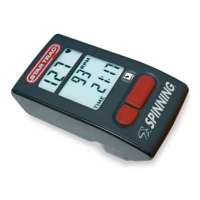
2. Install the computer onto the mounting bracket by sliding the computer clamp over the long portion
of the bracket. Tighten computer clamp with the M6 screw and nut using the M5 Allen wrench.
NOTE: Use the M6x30 screw for the computer clamp when installing onto the computer mounting bracket.
This setup is also used on the V-Bike and V2.
Mounting Computer On Handlebars - Spinner
®
V
Mounting Computer On Handlebars - Spinner
®
Sport / Fit / Velo
19


 To Next Page