Time required:
• Less than 5 Minutes
Parts required:
• N/A
Tools required:
• N/A
TEST Procedure:
1. Once the batteries are installed, press any button and the display window will turn on in the
Workout Mode.
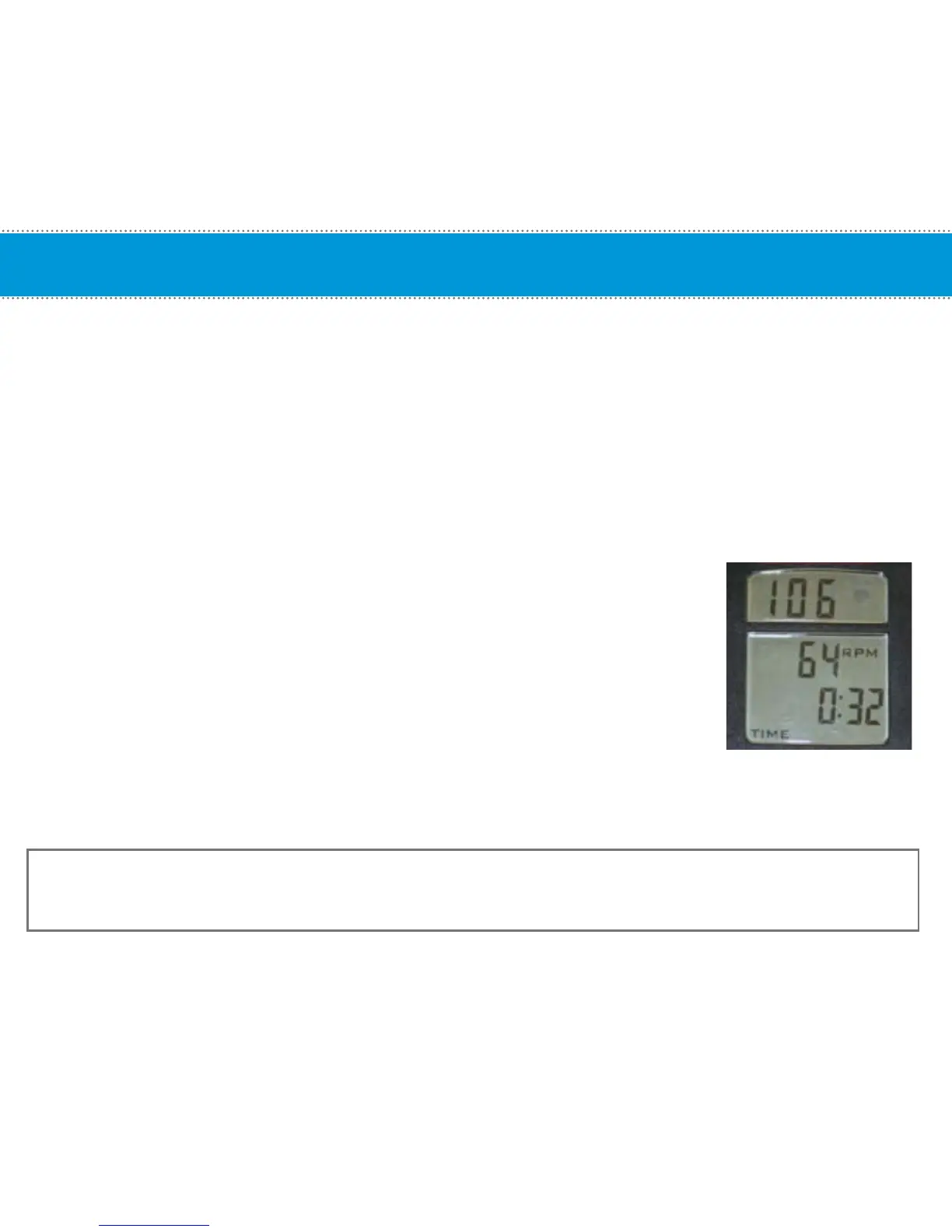
2. Test by waving a magnet across the cadence sensor. If you see RPM
values, then the cadence sensor and computer are synced successfully,
there is no need to perform the sync process.
3. If you do not get any RPM reading and the computer turns off, you WILL
need to perform the Syncing process.
NOTE: If the cadence sensor and computer are no longer a pair (i.e. when users swap handlebars with the
computer attached.), the cadence sensor and computer will have to be SYNCED again. Do not swap handlebars.
CAUTION: TEST ONE BIKE AT A TIME; the range for the cadence sensor is approximately 30 feet and
if you are testing the bike and someone else on the same room is pedaling another bike, you may be picking up
the wrong RPM signal.
Testing for RPM
11


 To Next Page