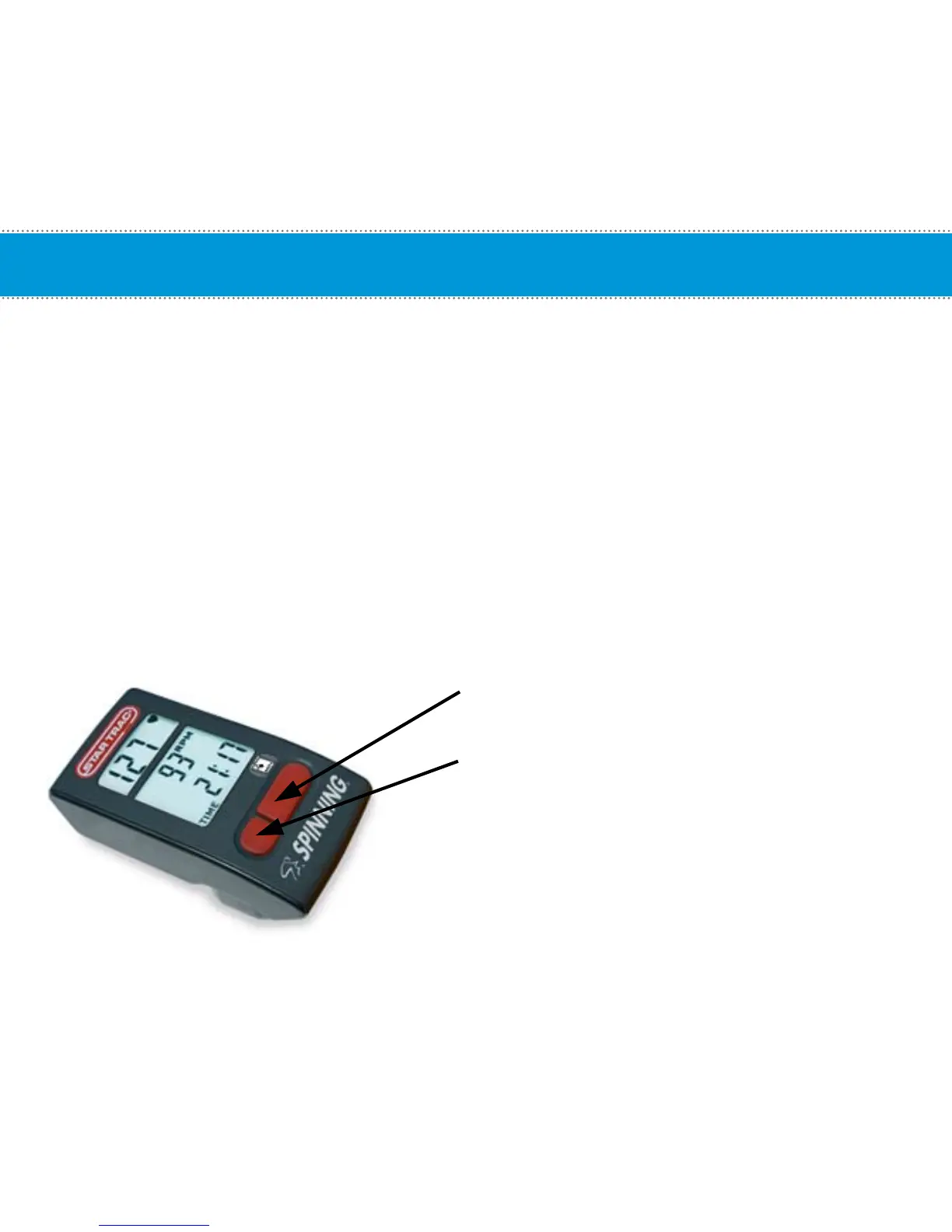
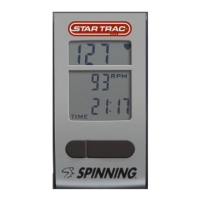
Computer Window and Buttons
Start pedaling then press any button to turn on the Spinning
®
Computer; the following data
will be displayed:
HR- Displays the Heart Rate of the user when wearing a compatible HR telemetry strap in beats
per minute.
RPM- Shows the pedaling speed of the user in revolutions per minute.
Total Distance- Distance measured in miles or kilometers depending on the setup selection.
Elapsed Time – The length of time in minutes from the time the computer has been activated or reset.
Buttons:
Toggle (right) button - Toggles between: Total Distance
and Elapsed Time.
Light (left) button - Turns on the backlight to enable
viewing in low light settings.
7


 To Next Page