Syncing Process - continued
13
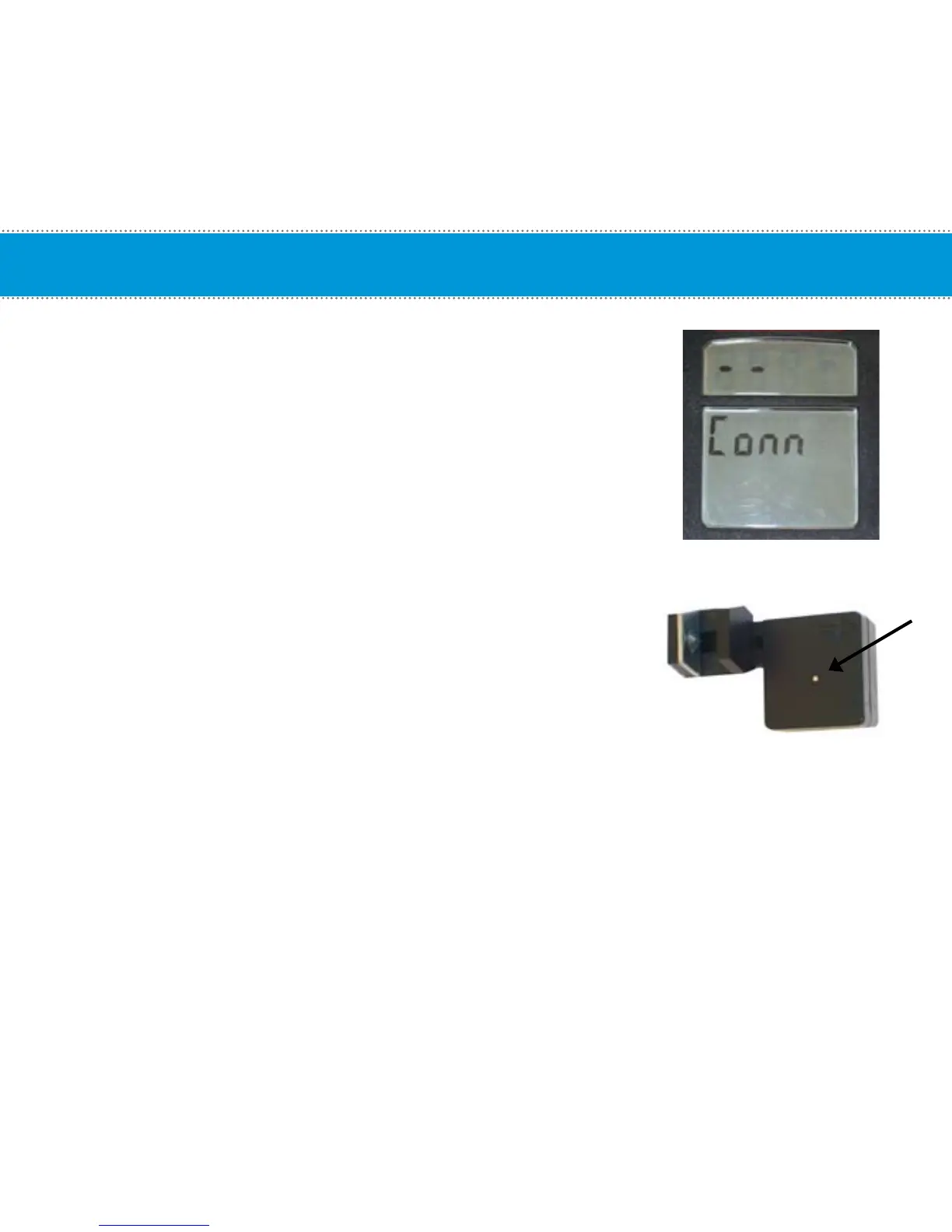
2. Activate Sync Mode on the computer by holding down the Light and Toggle
buttons for 6 seconds until the window displays “Conn“.
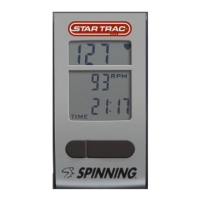
3. Press the button on top of the cadence sensor. Make sure the button
is depressed completely. The red LED will flash indicating the cadence
sensor has entered pairing mode.
NOTE: If the red LED does not flash after you press the button, you may
need to replace the cadence battery.


 To Next Page