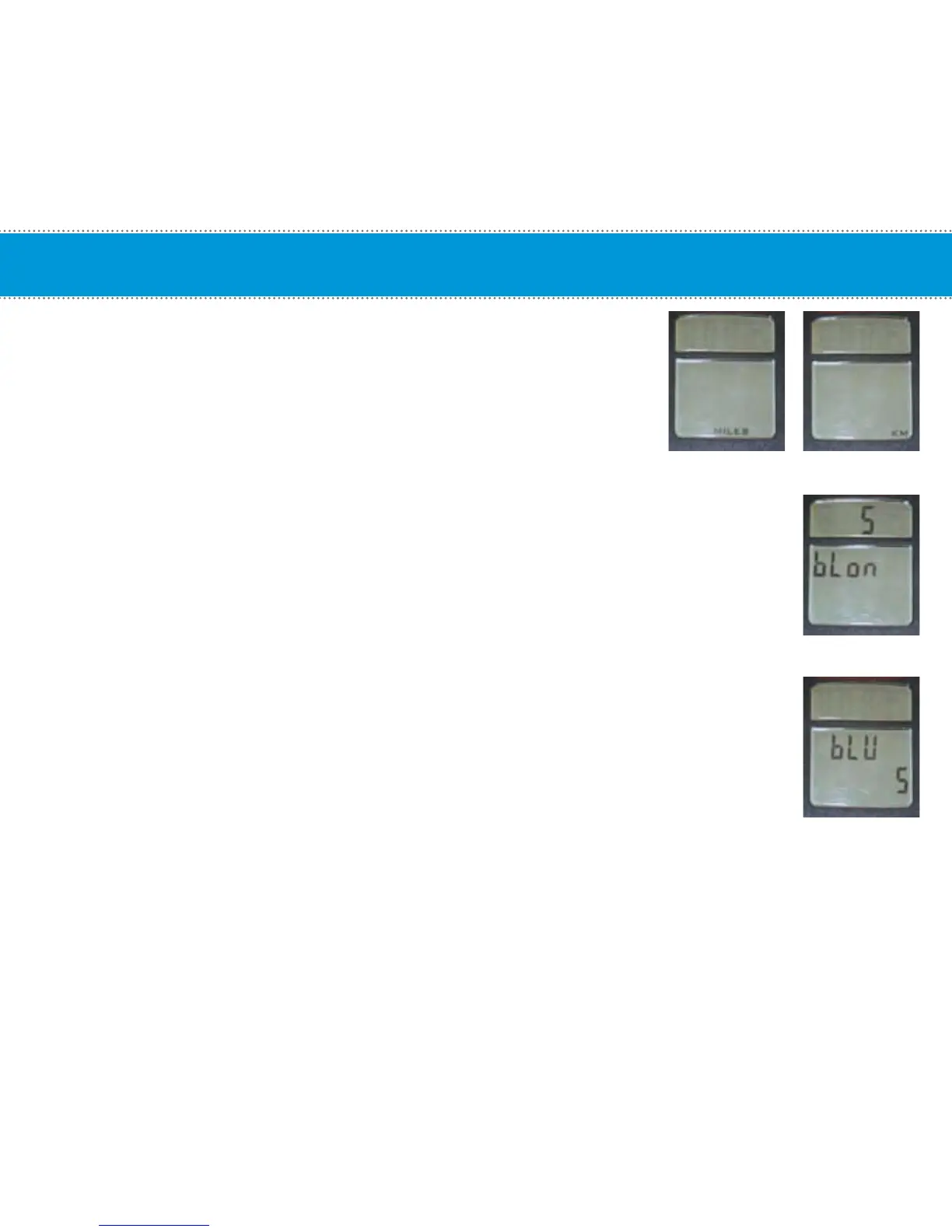
• Units - MILES or KM
NOTE: User will not get the correct distance values if
the Gear Ratio setting is not correct.
• BLON – (Default Back Light On*) The amount of time the backlight
will stay on when the left button is pressed. Select between 1
second to 60 seconds using the Light (left) button and press the
Toggle (right) button to save and advance to the next setting.
*NOTE: Increasing the BLON (Back Light On) time will reduce
overall battery life. A shorter BLON time will result in longer
battery life (recommended).
• BLU – (Back Light Usage) Total time in minutes that the back light has
been on since the last data clearing. Press the Light (left) button to
clear data, if desired, then press the Toggle (right) button to accept and
advance to the next setting.
Setup Mode - continued
16
(Default Setting)


 To Next Page