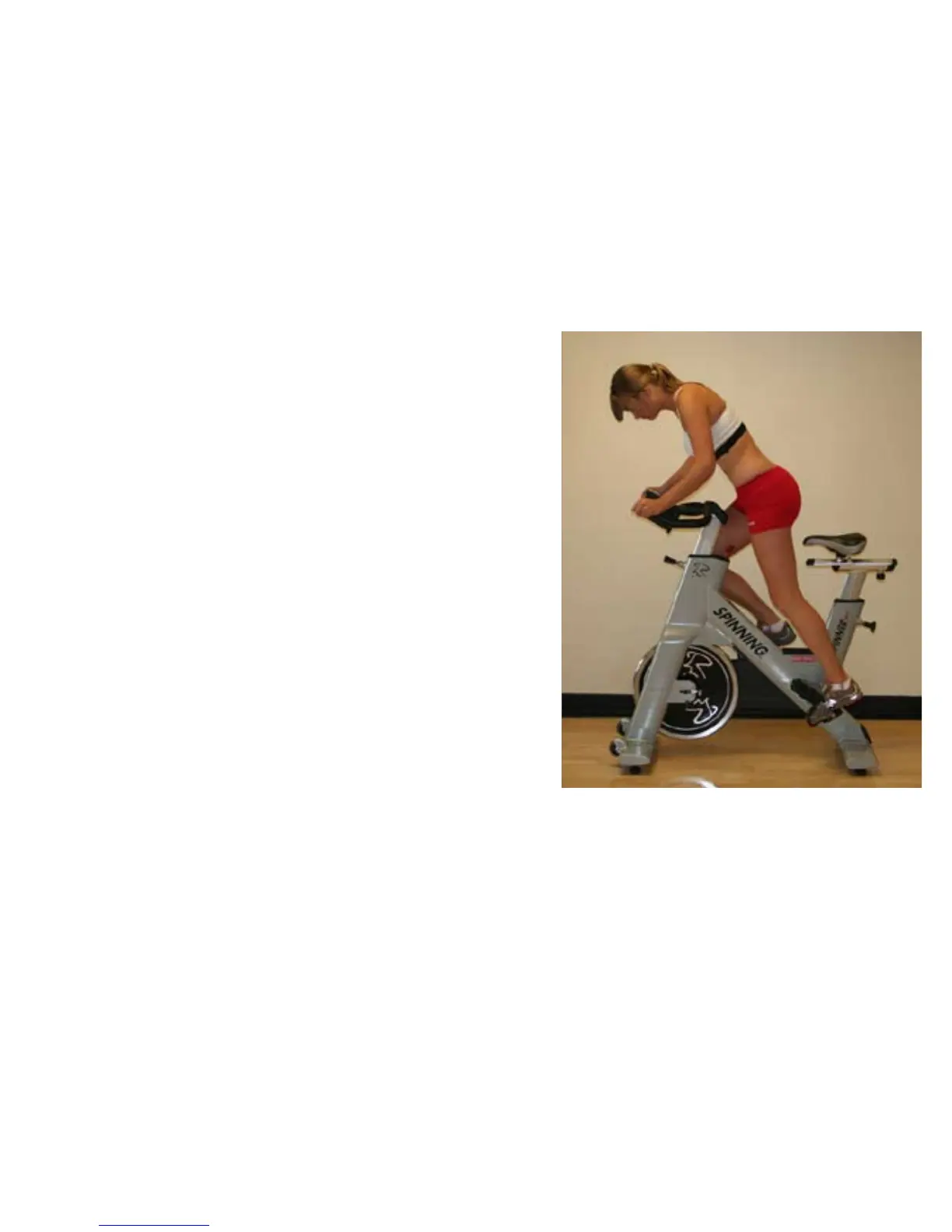
3) In order for the computer to display the user’s heart rate,
the rider must lean into the display within 10” (25 cm) during
the first 30 seconds of the ride and wait for the HR to display.
During this time the Heart Rate icon is rapidly blinking (2 x
per second), showing that the computer is actively searching
for a wireless heart rate. Once a heart rate has been found
the heart rate value is displayed and the HR icon changes to
a slow blink (1 x per second) If no heart rate is found after
30 seconds the console stops searching and no HR will be
displayed.
4) Calorie calculations are displayed as a summary only.
5) Cell phones, televisions, speakers and other electronic
devices can cause interference with the operation if they
are in close proximity to the Spinning
®
Computer and/or
transmitter.
If there are any questions regarding operation or usage of
the Spinning
®
Computer, please contact Star Trac Customer
Support at 800-503-1221 or 714-669-1660.
4


 To Next Page