In-call conference control and icons
In-conference icons and counters
Audio-only and video-muted participants do not occupy a video pane in the video
layout. Instead, they are listed by name (or telephone number, or URI) with an icon
indicating status. If a meeting is being recorded, participants will see an icon indicating
that recording is taking place.
Conference icons
This is an audio-only participant
This participant has muted video
This is a video participant, but there are insufficient panes in the conference
layout to display everyone in the conference
Meeting participants who are being recorded are able to see a 'recording in
process indicator'. This is a red dot in the top right corner of the conference
view
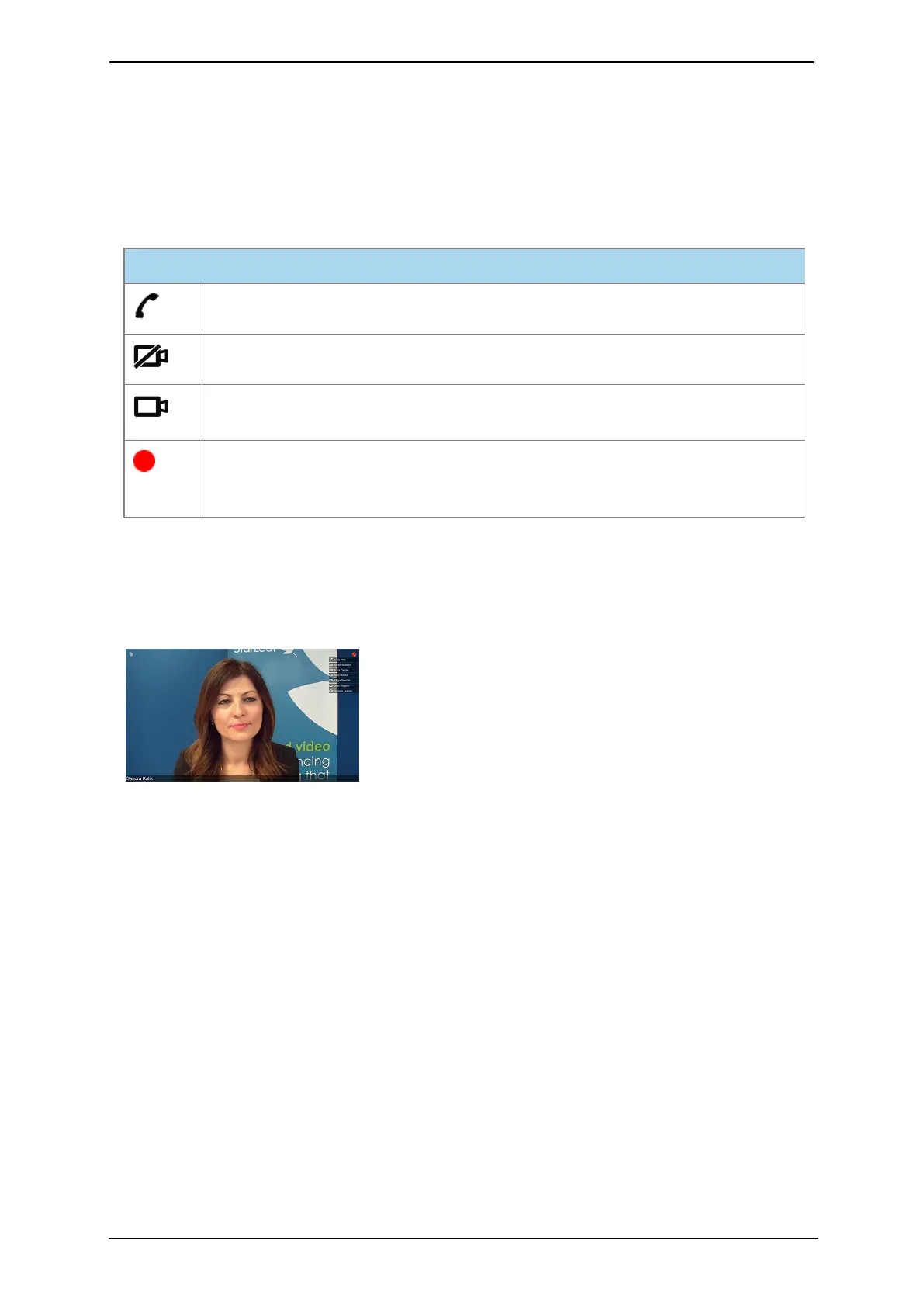
The image below show the speaker-only layout. You can see the current speaker's name
at the bottom of the main pane with other participants listed by name in the top right with
their status icons. The 'recording in process indicator' is also present. Where content is
shared, the name of the participant or meeting room that is sharing is shown.
StarLeaf room system guide, 24 September 2019 Page 22 of 31



 To Next Page