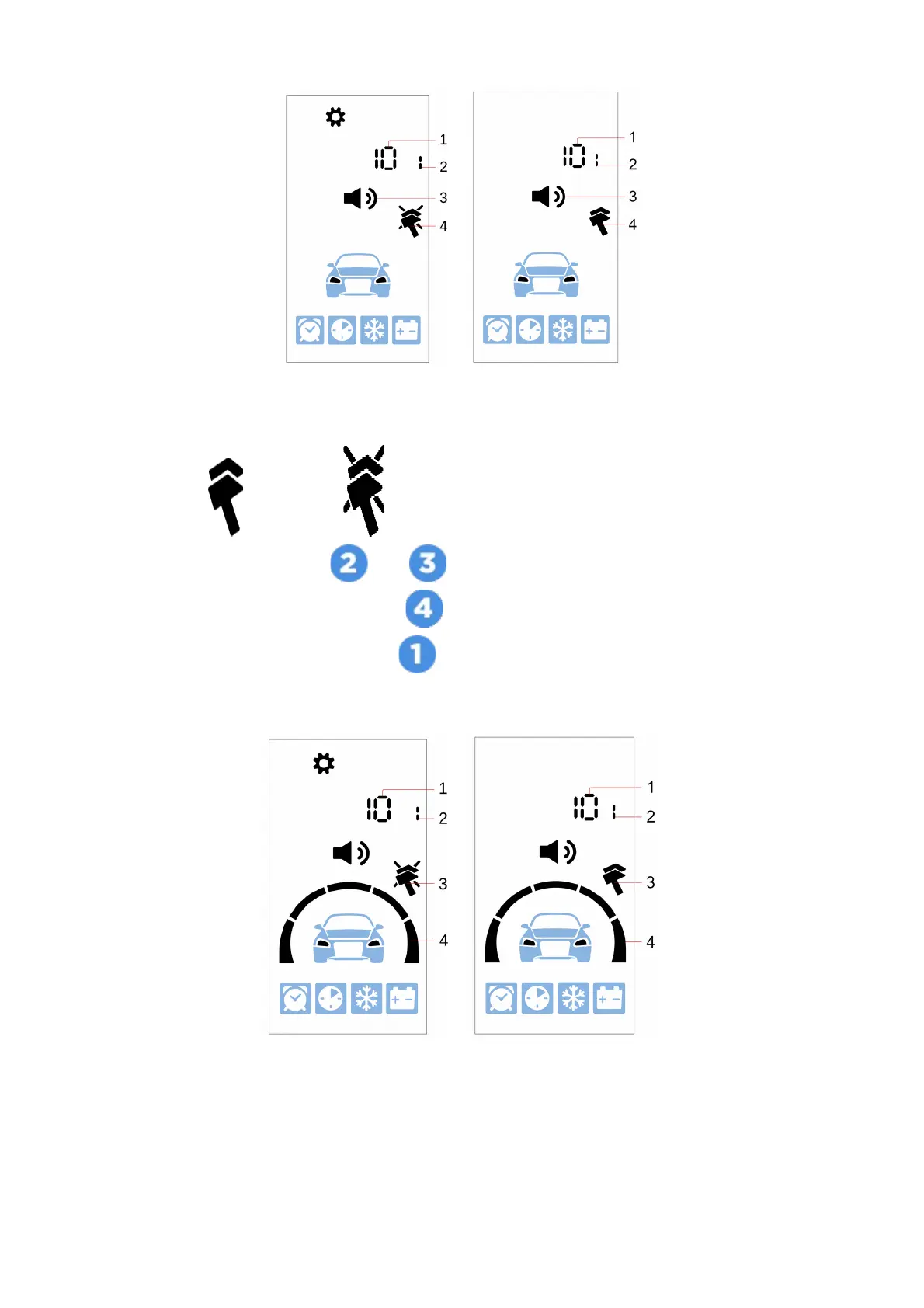
1 — selected signal type volume level
2 — selected sound profile number
3 — commands confirmation sound settings icon
4 — vibration: — enabled, — disabled
Sounds volume is tuned with and buttons short push.
Vibration is enabled and disabled with button short push.
Next sound signal type is flipped with button short push.
Setting alarm sounds volume
1 — selected signal type volume level
2 — selected sound profile number
23



 To Next Page