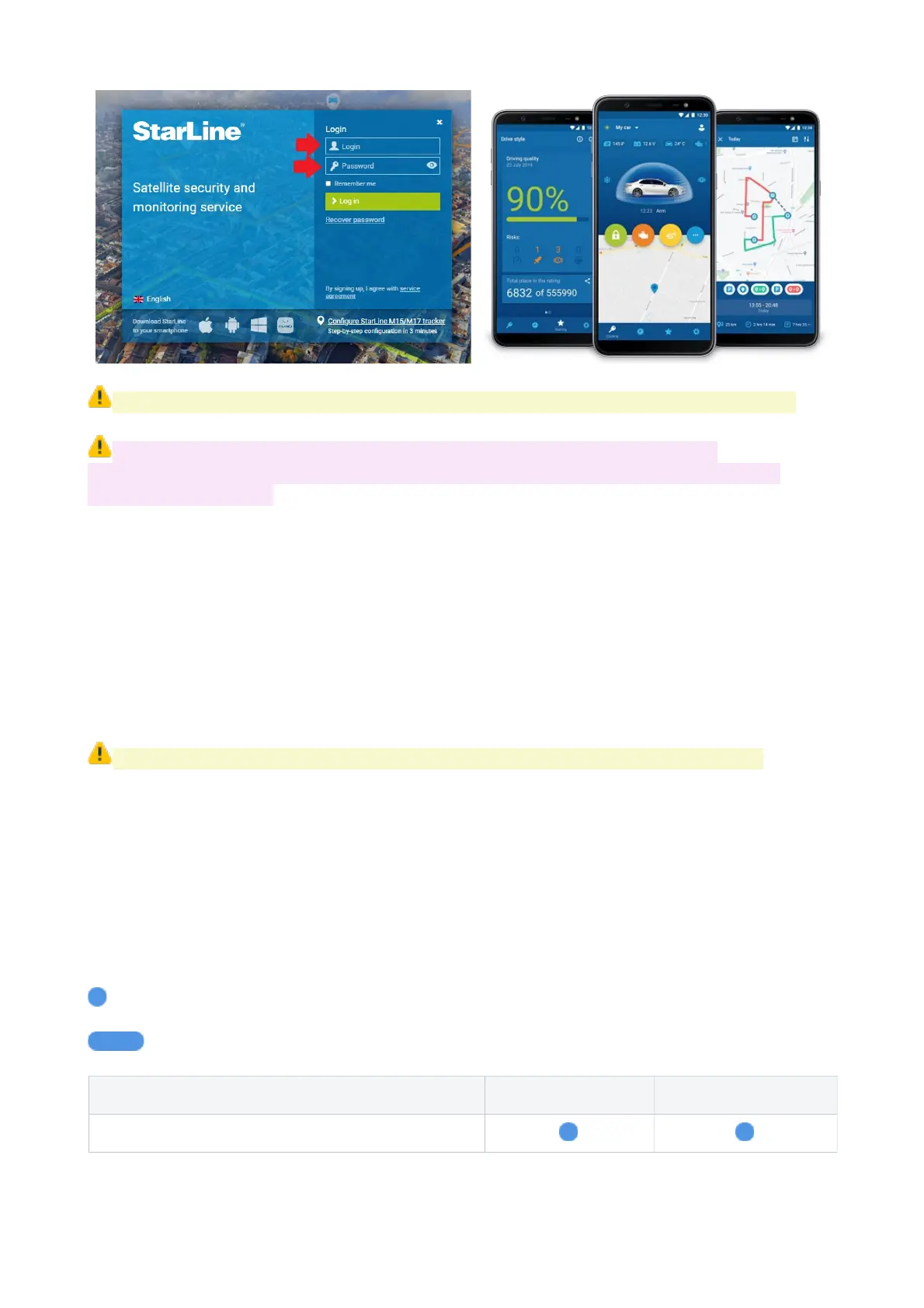
All StarLine systems have preregistered account at starline.online and mobile App.
Do not forget to enter and verify your email in personal StarLine account.
Verified email is necessary to restore forgotten password, access sharing and other
important functionality.
If your system has been removed from the factory registered account for any reason
(occasionally or by a previous owner), then a new StarLine personal account can be
registered.
Control via Bluetooth
When cellular network is not available or SIM card balance is inactive, then StarLine
system can be controlled with StarLine App via Bluetooth on a short distance from vehicle
(up to 50 m approx).
Supported for smartphones with Bluetooth Low Energy 4.2 version and above.
To use Bluetooth communication make smartphone pairing in Accessories registration
mode – see p.44. Then enable connection with paired device in StarLine App Bluetooth
settings.
Lights and sound indication
Security system indicates its status by means of sounds (siren or buzzer) and lights
(hazard or other lights)
- short signal
- long signal
Events Lights Sounds
Arming
8



 To Next Page