3. Repeat items 1, 2 for remaining remote keys.
Exit from registration mode
System will automatically exit from device registration mode in 5 minutes or at ignition
switch Off.
Exit from registration mode is confirmed with 2 service button LED flashes, 2
sounds and followed with a serial sounds in a number of total registered accessories.
SMS text report with the list of registered accessories will be sent to M1 phone.
Owner authorization code (PIN-to-Drive)
Pin-to-Drive code entered with factory buttons is used for secondary owner authorization
at disarming and immobilizer mode.
Recording and changing authorization PIN code in registration mode:
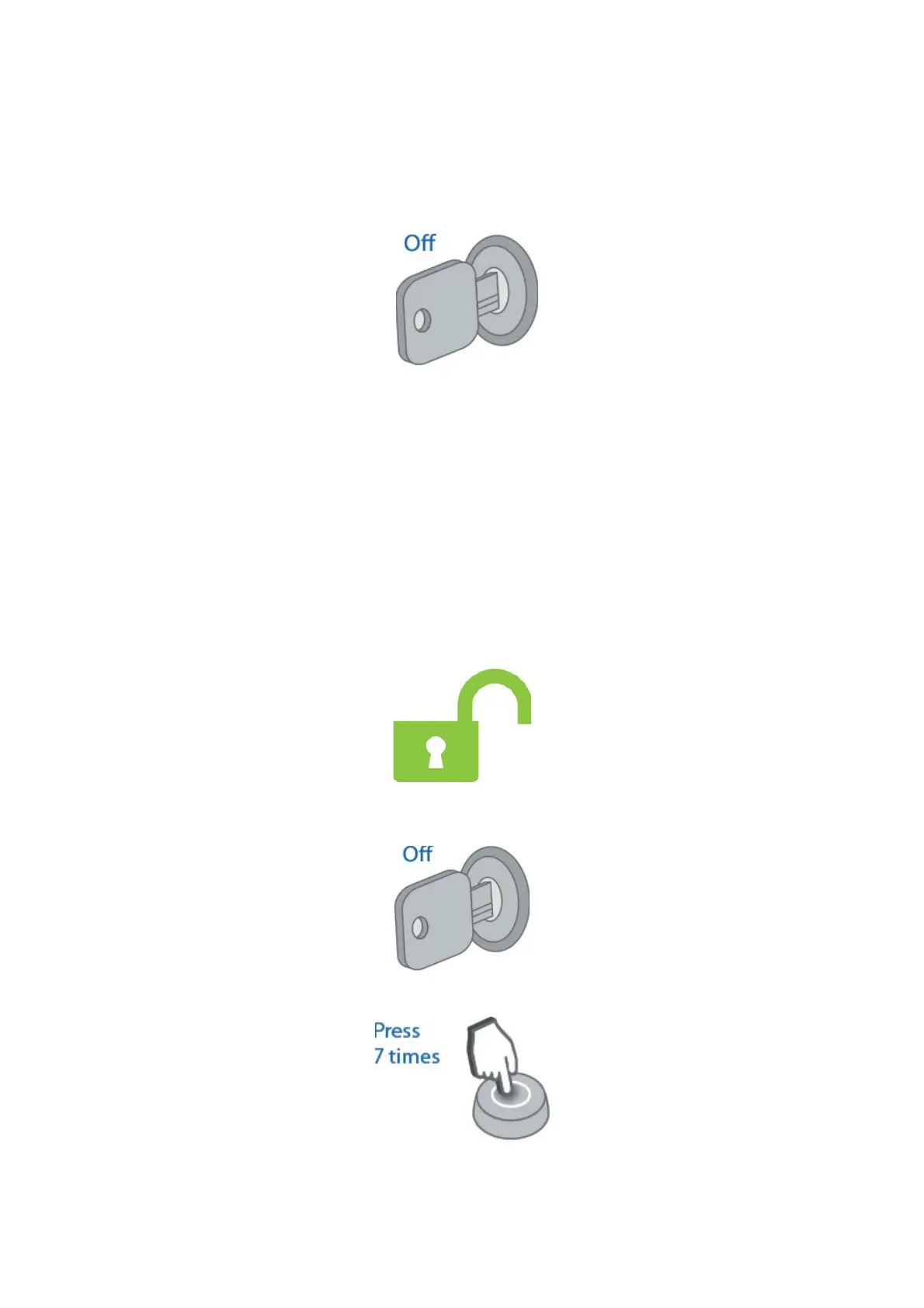
1. Disarm system if it is armed
2. Switch ignition Off if it is On
3. Push service button 7 times
47



 To Next Page