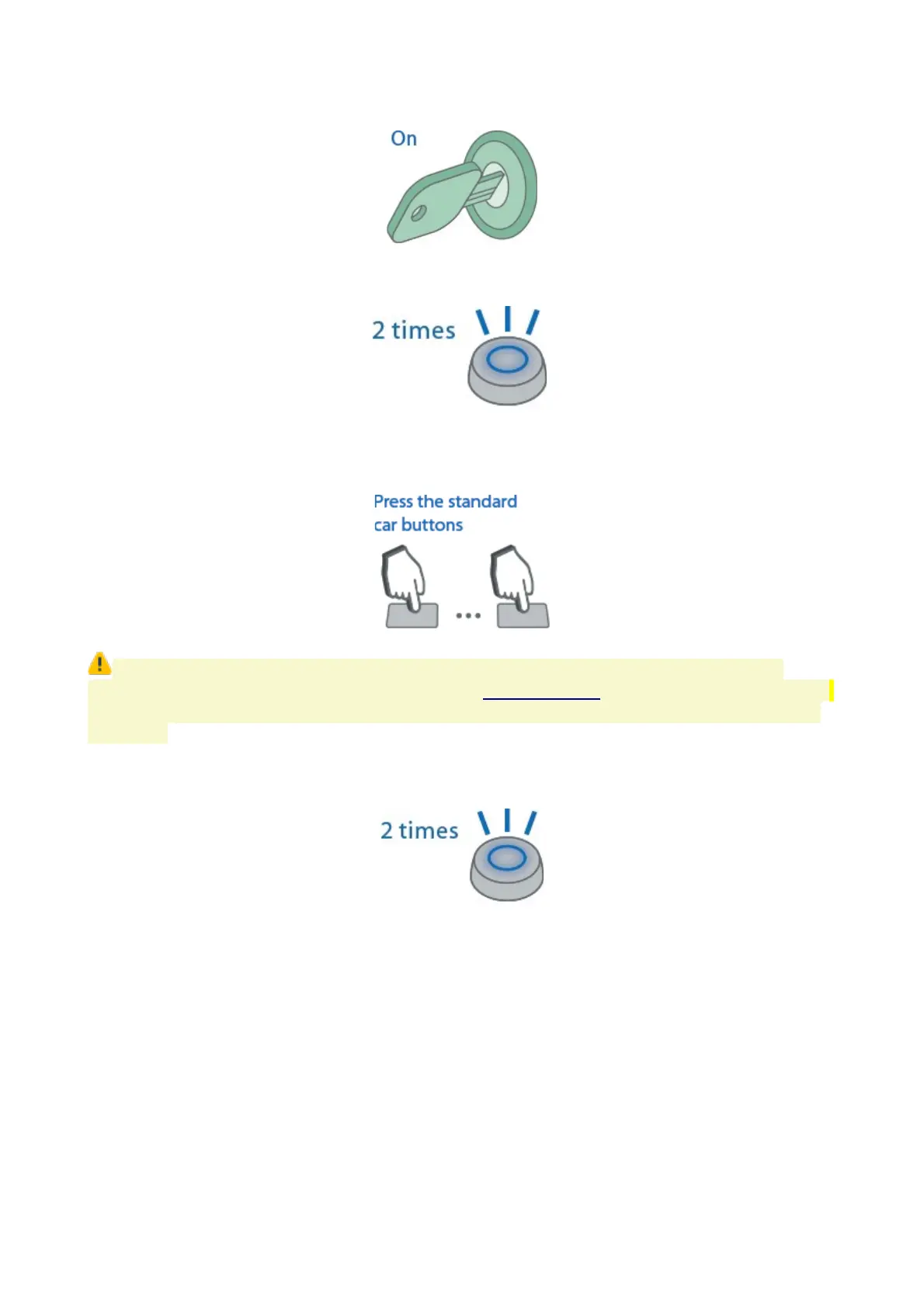
4. Switch ignition On. 7 LED flashes and 7 beep sounds shall follow.
5. Entry into registration mode will be confirmed with 2 LED flashes and 2 beep sounds.
6. Enter a new PIN code with use of supported factory buttons with 3 sec and less
intervals. Each pushing will be indicated with one LED flash.
Authorization PIN code may consist of 2 to 25 push sequence of factory buttons.
List of supported factory buttons is published at can.starline.ru for each supported vehicle.
If pushing a button is not indicated with a LED flash, then this button is not supported via
CAN bus.
7. Code entry will be confirmed in 3 sec with 2 LED flashes and 2 beep sounds.
8. Enter a new Pin code once again.
9. Properly repeated new code entry will be confirmed with 2 LED flashes and 2 beep
sounds.
Invalid code entry is followed with 4 LED flashed and 4 sounds, then repeat 5...8 steps.
10. Switch ignition Off within 10 sec to exit registration mode.
11. Exit from registration mode will be confirmed with 2 LED flashes and 2 beep sounds.
Deleting authorization PIN code
1. Disarm system if it is armed
48



 To Next Page