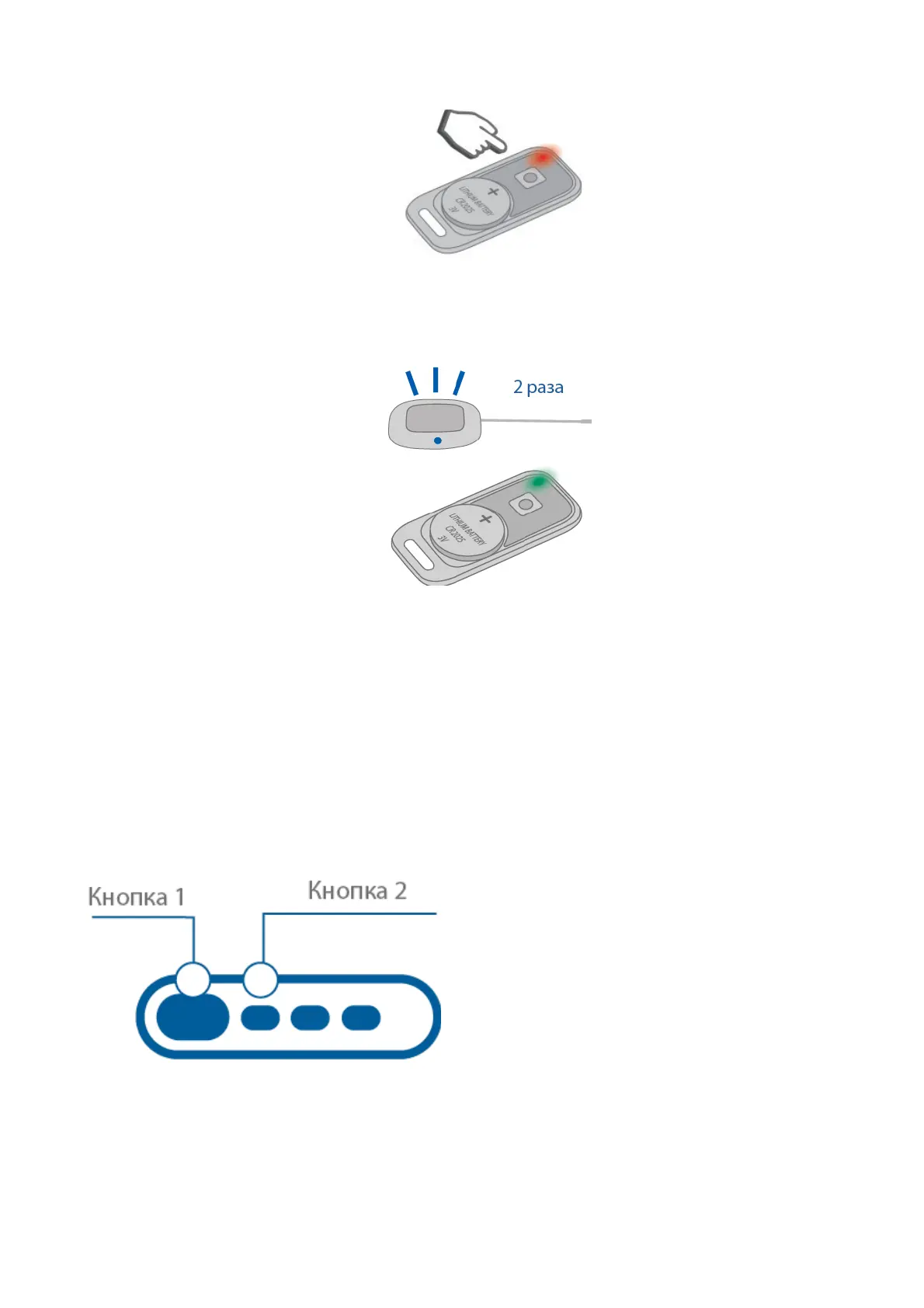
4. Successful registration will be confirmed by a tag LED green flash, 2 service button LED
flashes and 2 beep sounds.
f a tag failed to register then its LED will light up red.
5. Repeat items 1-3 for remaining tags.
Smartphones registration
1. Enable Bluetooth in smartphone and activate device searching
2. Select “StarLine S96” in available devices list
3. Enter pairing code 000000 (for iOS click “Pair”)
Remote key registration
1. Push 1 and 2 remote key buttons shortly
2. In 3 sec successful registration will be confirmed with remote key short beep, 2 service
button LED flashes and 2 sounds.
If registration failed, then 4 beep sounds will follow.
46



 To Next Page