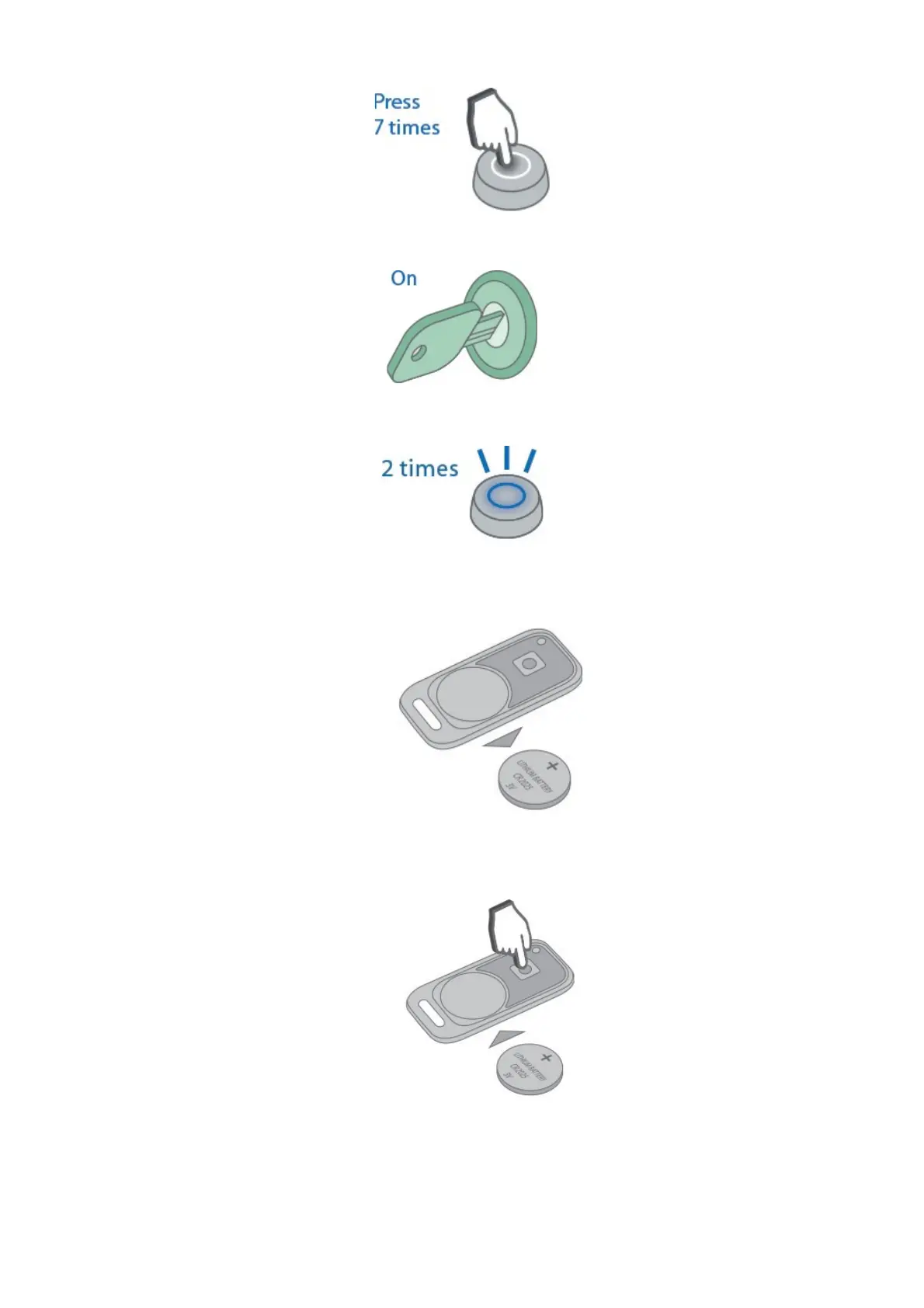
4. Switch ignition On. 7 LED flashes and 7 beep sounds shall follow.
5. Entry to registration mode will be confirmed with 2 LED flashes and 2 beep sounds.
Wireless tags (transponders) registration
1. Remove battery from a tag slot.
2. Push and hold tag button and insert battery back in slot observing right polarity. The tag
LED will light up red.
3. Release button and make sure a tag LED serial red flashes come up for 10 seconds.
45



 To Next Page