44
Flip Button
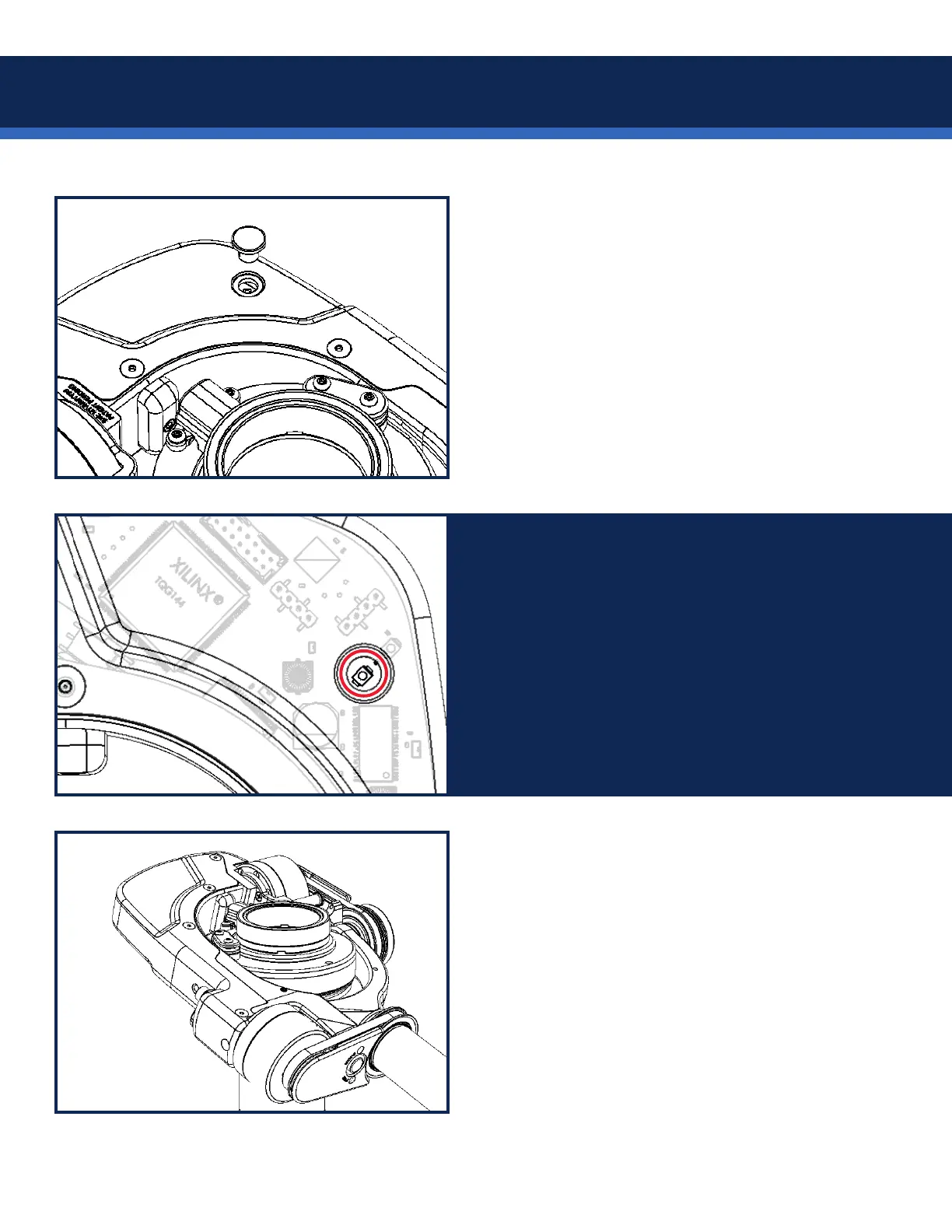
Pop out the little plastic plug from the cover.
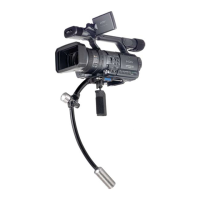
Use a non-metallic object to carefully press and
hold the invert button for 6 seconds. All LEDs will
pulse off to indicate the orientation change.
Power off the unit, and the new setting is stored.
Only press it once!
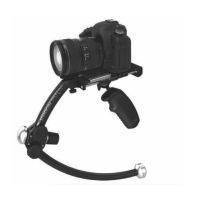
Each consecutive 6-second press will toggle
LEFT/RIGHT side operation.
Replace the plastic cover.
NOTE: If you ip your Volt to LEFT side mounting
in the future, you’ll have to repeat the invert
button process.


 To Next Page