43
Important step for RIGHT mounted Volt
LEFT side mounting is default to the electronics within the Volt. But if you mount the hockey stick on the
RIGHT side, you must press the invert button on the internal PC board. It’s just a button press, but pay
attention here.
If you mounted Volt on the LEFT side of the gimbal, skip this step and proceed to the next section. Also, if
Volt arrived mounted on the right of the gimbal from the factory, this step has already been performed.
Flip Button
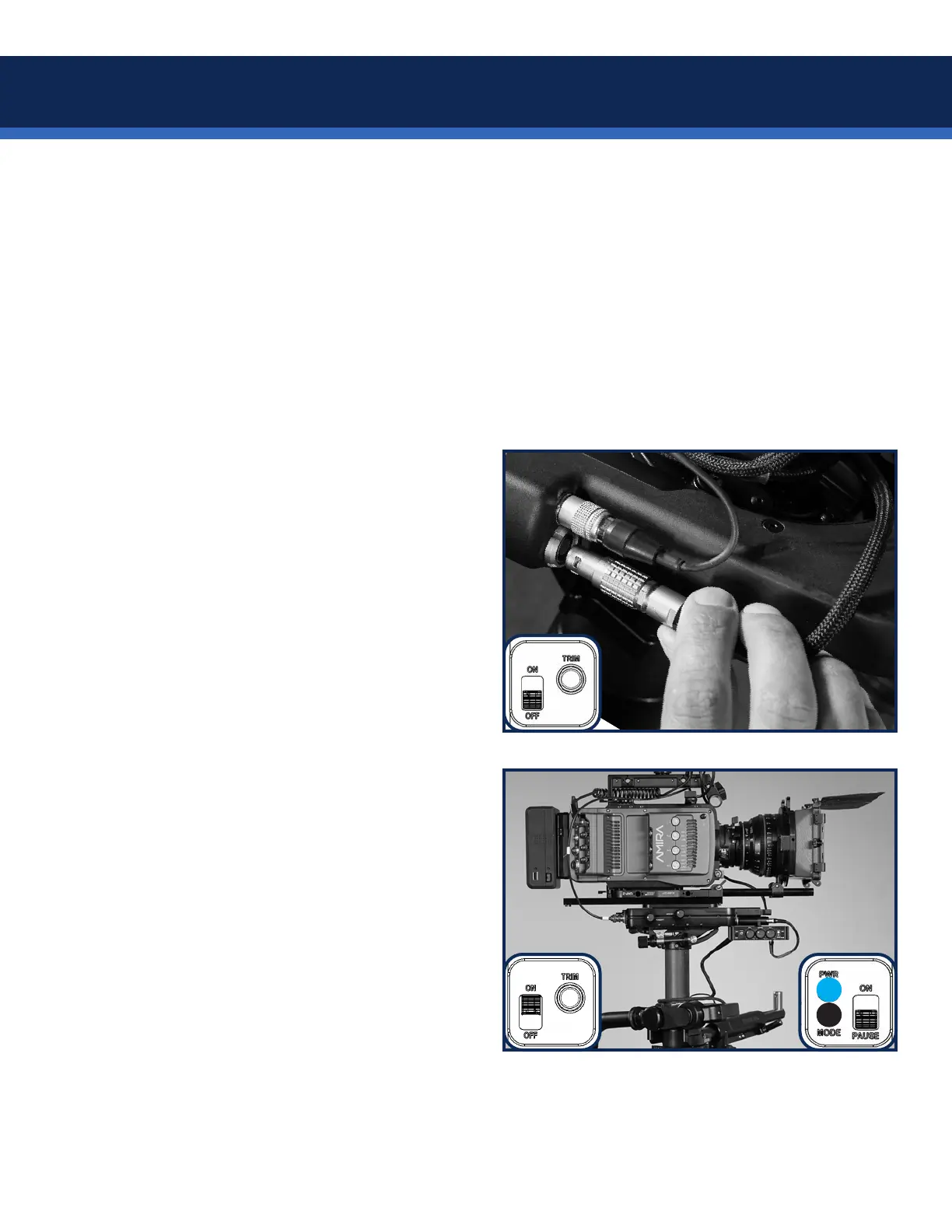
Plug in the 90˚ end of the gimbal cable to the
control box, wrap a loop or two around the post
and plug in the Volt.
The LEMO connectors rotate 90˚ in the control
box to allow for convenient cable placement.
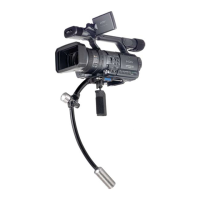
Make sure the pause switch is DOWN,
indicating the Volt motors will not run.
Switch the power ON and the blue LEDs will
illuminate.


 To Next Page