19
Control box settings
The three dials on the control box allow you to customize the behavior of the Volt in two axes, roll and
tilt, independently. Additionally, the damping dial controls how the system returns the sled to vertical.
Here are some general guides to all of the control box switches and knobs.
Settings
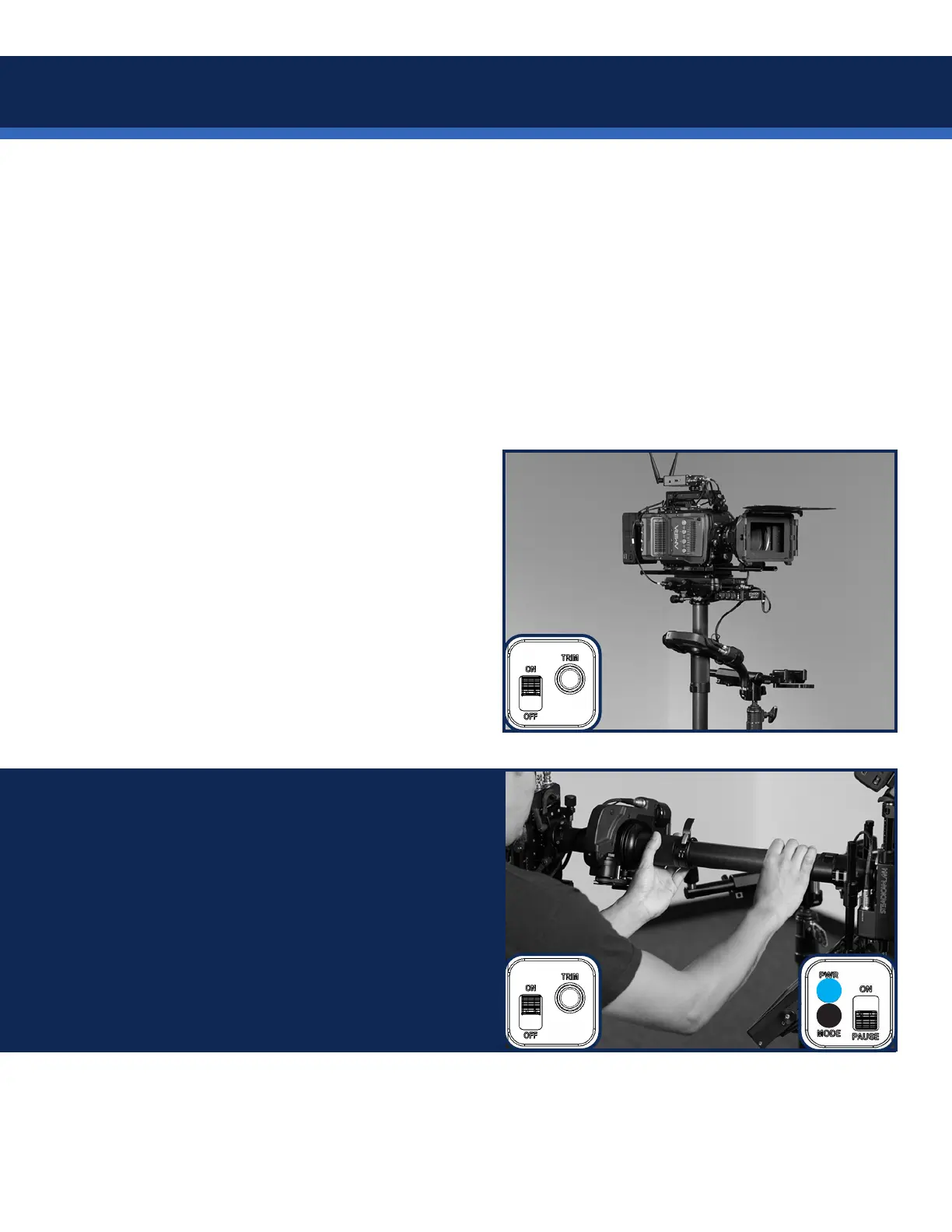
The trim button on the control box has
two functions:
• SHORT-press sets ROLL trim to the
current post angle.
• LONG-press of 6 seconds reverts
roll trim to default.
The pause switch is there to keep the Volt
powered on and tracking the encoder and
motor positions.
Pausing does NOT require you to align the
gimbal handle again, and your previous trim
setting will be maintained.
It’s great for quickly re-balancing or standing by.


 To Next Page