STC-AD3
Press OK again to start formatting process (the time it requires to
format the memory will very depend on the size of the CF card memory
capacity.)
Once you hear the beep sound, it indicates formatting process is
complete.
Press Menu to exit Setting
Press Down button and scroll through the program icon to resolution
setting and continue with the next setting.
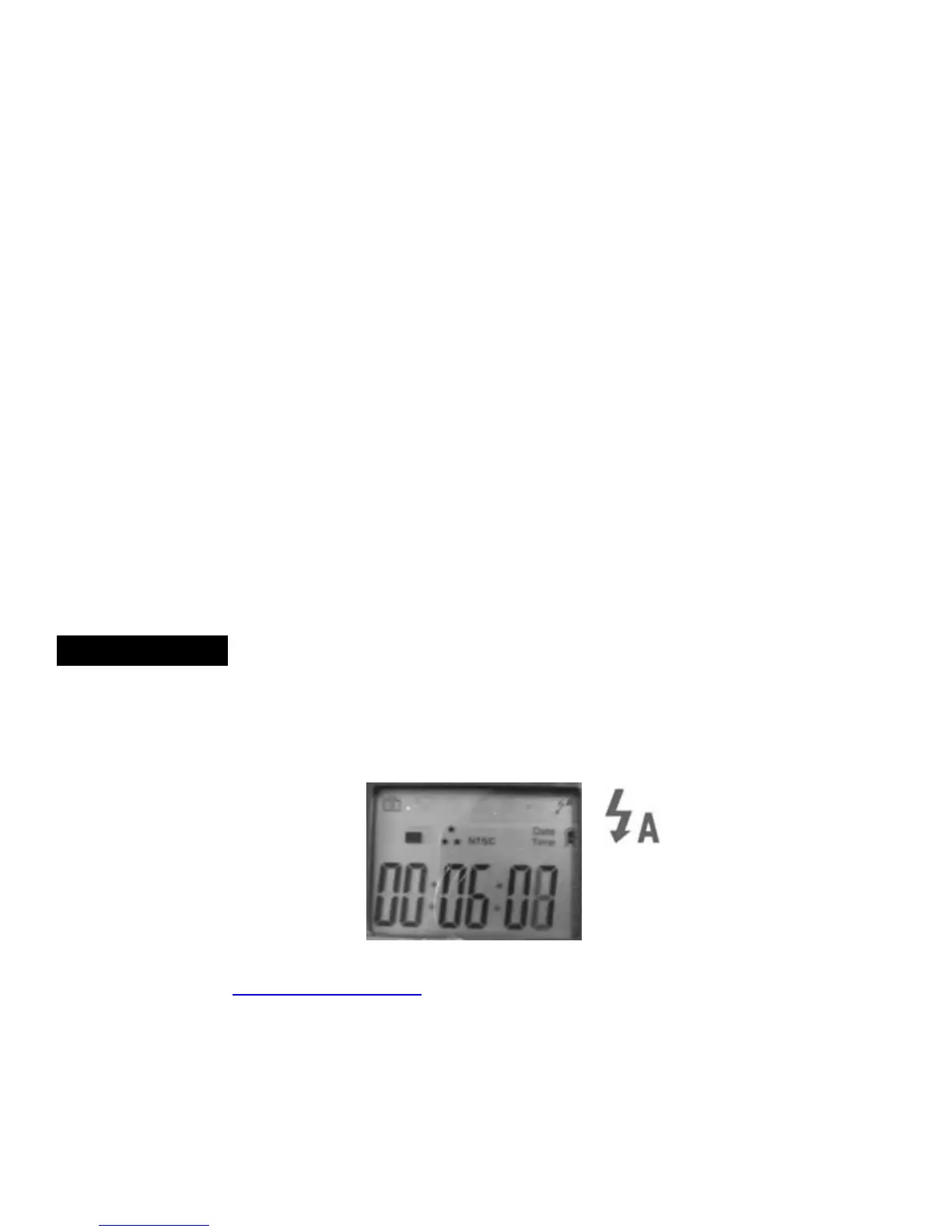
Flash Control
Default setting is set on auto Flash.
Auto Flash icon will show on top right screen
www.stealthcam.net Toll Free 877-269-8490
18


 To Next Page