12
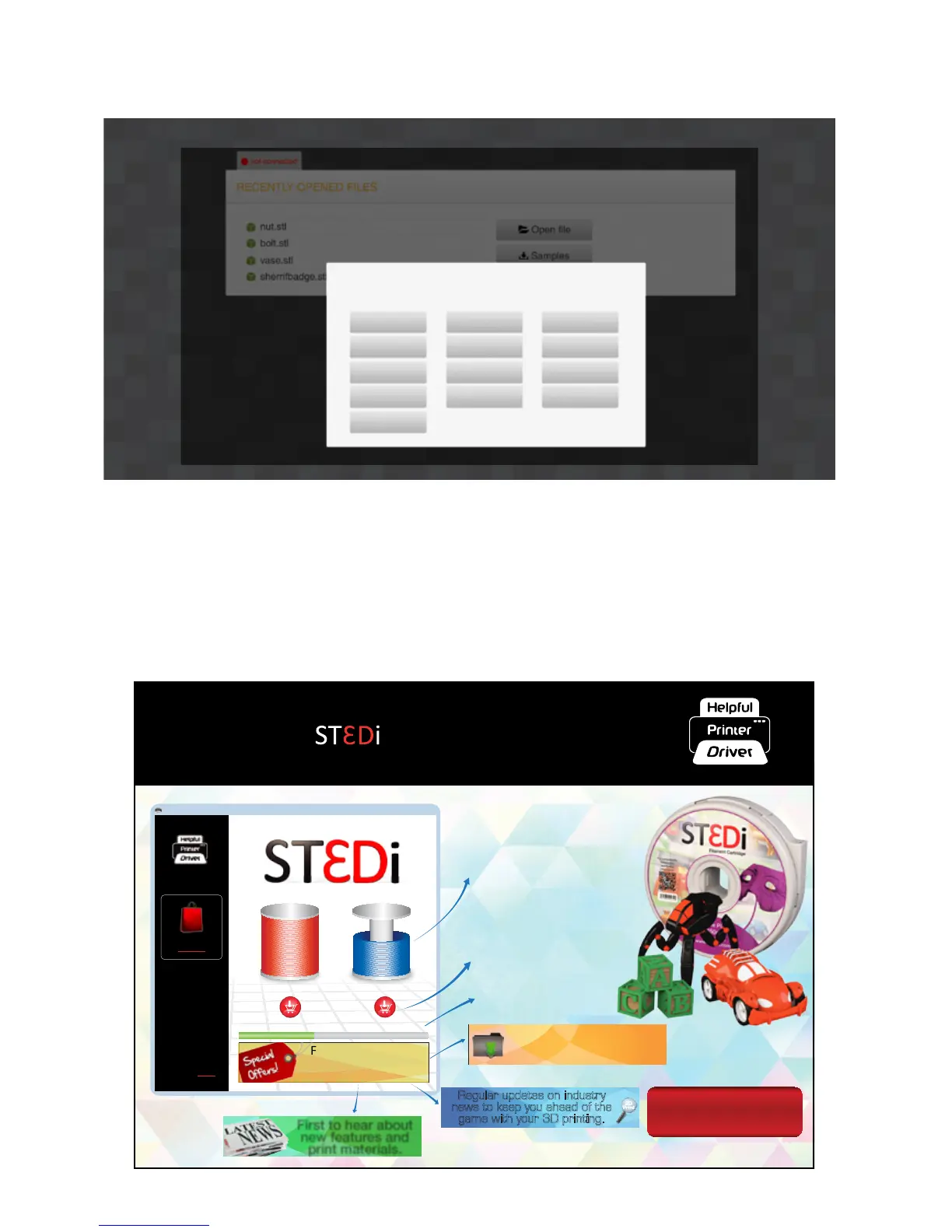
Whether you are using a Windows or MAC operang system, the rst thing you will be asked to do when you
open the ST3Di Edit Soware, is select your language, as below (with the excepon of windows 7; see below):
10. If however you are using a Windows 7 operang system then before you are asked for your language selecon,
you will be asked to install the ST3Di Helpful Printer Driver® via the message below. With the Helpful Printer
Driver® you get real-me accurate lament levels, which not only show you what remains but will alert you when
you are running close to the end of the reel. The Helpful Printer Driver® also oers live and up-to-date industry
informaon. This includes elements such as new design soware or models that may be available, or 3D prinng
related applicaons, or even new print material that you can try out. You may also get unique promoonal oers
each and every me you print.
ST3DI
For help related to your
Helpful Printer Driver®
please visit the support
page.
Why Buy ST3Di?
Learn more
60%100%
40%
Fantasc and unique
offers from your
printer reseller.
Real me accurate filament
levels as you print.
Important: for full print functionality please download
and install your
Helpful Printer Driver
®
and get access to these amazing features!
Download
First to hear about
new features and
print materials.
Newsflashes on new
software available.
Regular updates on industry
news to keep you ahead of the
game with your 3D printing.
Print progress bar.
Easy and convenient way to buy
replacement filament, right
at the me you need it most.
PLEASE CHOOSE PREFERRED LANGUAGE
English
Deutsch
Nederlands
Português
Čeština
Español
Italiano
Suomalainen
Dansk
Français
Norsk
Svensk
Eλληνικά



 To Next Page