31
TROUBLESHOOTING
Here at ST3Di we hope that you have happy and trouble-free prinng. But should you have any quesons about
anything, take a look at our FAQs and Troubleshoong quesons below to see if we can help. If you sll do not nd
a soluon, please feel free to contact our team via our Contact Form.
To unload the lament from the printer please follow the ‘Change Filament’ process via the LCD
main menu for the cartridge that you wish to unload.
If this does not successfully unload the cartridge, please wait unl the nozzle has fully cooled before
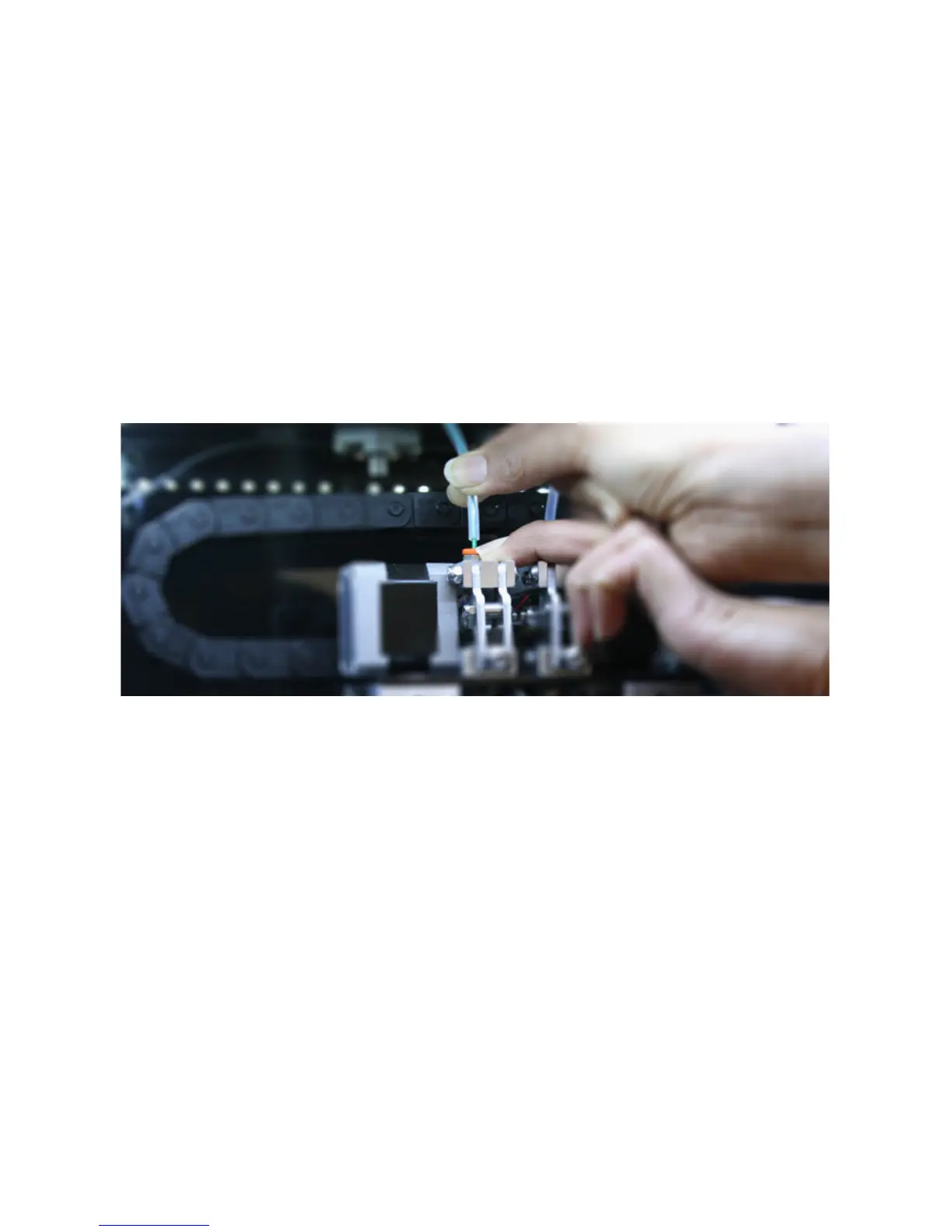
carefully reaching inside the printer to remove the plasc tubing from the top of the orange push-
ng for the corresponding nozzle that you are trying to unload.
Once the plasc tubing has been removed, please follow the ‘Change Filament’ process again to
retract the lament, whilst gently pulling the lament (by hand) from the top of the printhead. Try
this process a maximum of two mes should the rst me be unsuccessful.
If the second retracon sll hasn’t freed the lament, please follow the ‘Change Filament’ process
again, but when asked if lament is currently loaded, select ‘No’. This will start the extrusion
process (rather than retracon) which will hopefully loosen and free the lament.
Once you see lament being extruded (please only try this process a maximum of two mes), please
try the retracon process once again. The lament should now be loose and unload successfully.
If the above process is not successful please contact us via our online Contact Form and one of our
customer service team will guide you through a resoluon.
Please remember to re-aach the plasc tubing into the orange push-ng before commencing
your next print.
Queson 1. I can’t unload the lament from the extruder



 To Next Page