5
SAFETY INSTRUCTIONS
Whilst in operaon, the extruder on your ST3Di 3D printer becomes very hot. Always allow me for
the extruder to cool down before you reach inside the printer.
If using the ST3Di ModelSmart Pro 280, please note that the glass bed can also be heated. The bed
isn’t heated on the ModelSmart Pro 200 but this may sll warm aer prinng due to the heated
lament. Always allow the beds to cool down before reaching inside to remove the bed or your
model.
This product is not to be serviced by anyone other than a ST3Di approved engineer otherwise there
may be a risk of electric shock. Any unapproved servicing will also void your Guarantee.
The ST3Di 3D printers include moving parts, which may cause injury if interfered with whilst in use.
Never reach inside your ST3Di 3D printer whilst it is in use.
Never leave your ST3Di 3D printer unaended during operaon.
Please ensure that the printer is located in an area that is:
• close to the intended power supply and that the socket is easily accessible
• well venlated
• clean and dry
• a consistent and stable temperature and humidity
• posioned away from any object that may cover the venlaon holes on the printer
• posioned away from any ammable items
• posioned away from any liquids
• a at and stable surface
Any damage caused by improper use of the printer or its component and consumable parts, which
is in contradicon with this User Guide becomes the full responsibility of the user and will void your
Guarantee.
This printer is not suitable for children. Anyone under the age of 16 must be supervised by an adult.
Never turn o your ST3Di 3D printer during prinng; please wait unl the job has completed and the
print bed and extruder(s) have returned to the Home Posion before turning o the power.
Due to the weight of this product, 2 people are required to remove the printer from the outer box
packaging and onto a suitable surface.
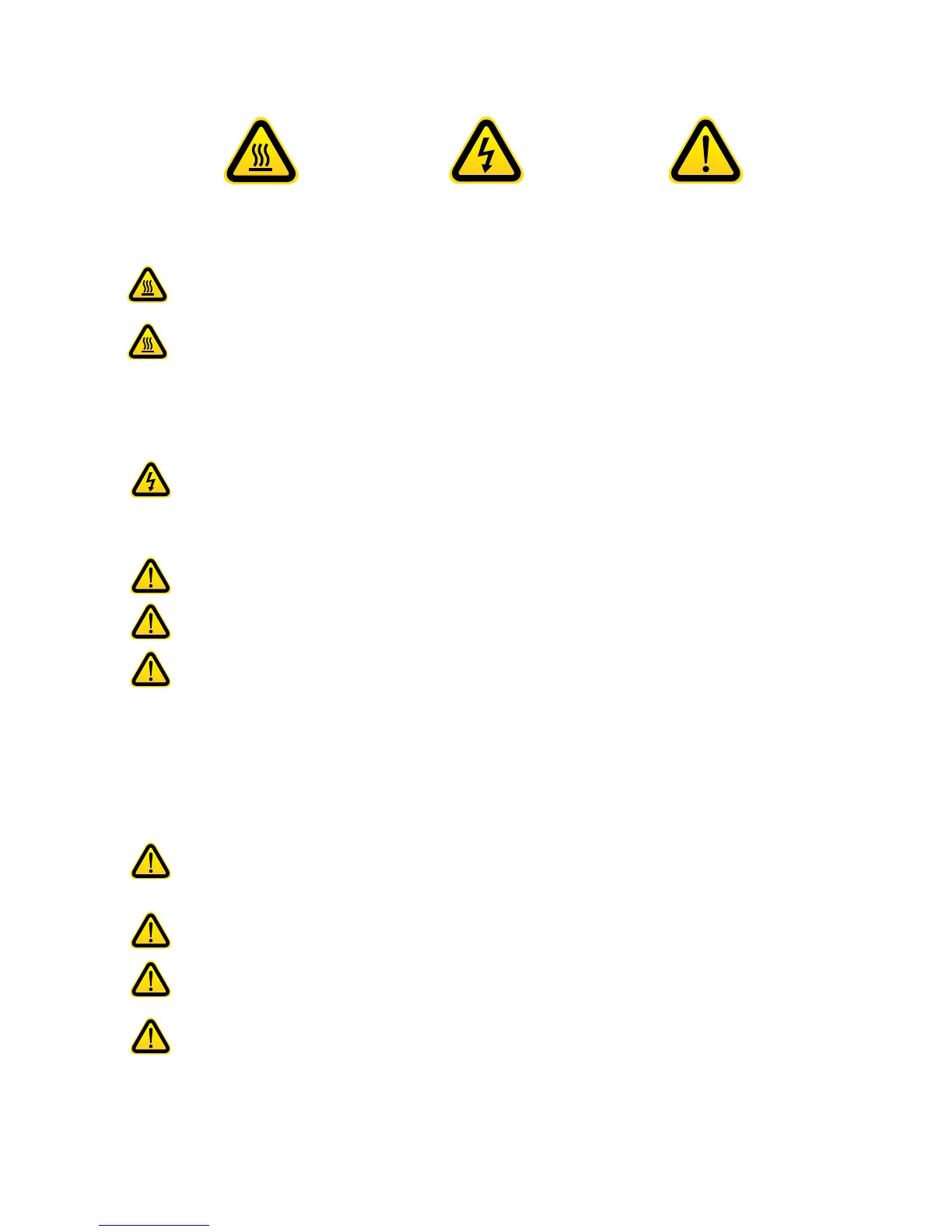
WARNING
(Heated surface)
WARNING
(Electrical component)
CAUTION



 To Next Page