Page 10 of 39
73085 Rev E
®
Dual-Connect Split Installation
(continued)
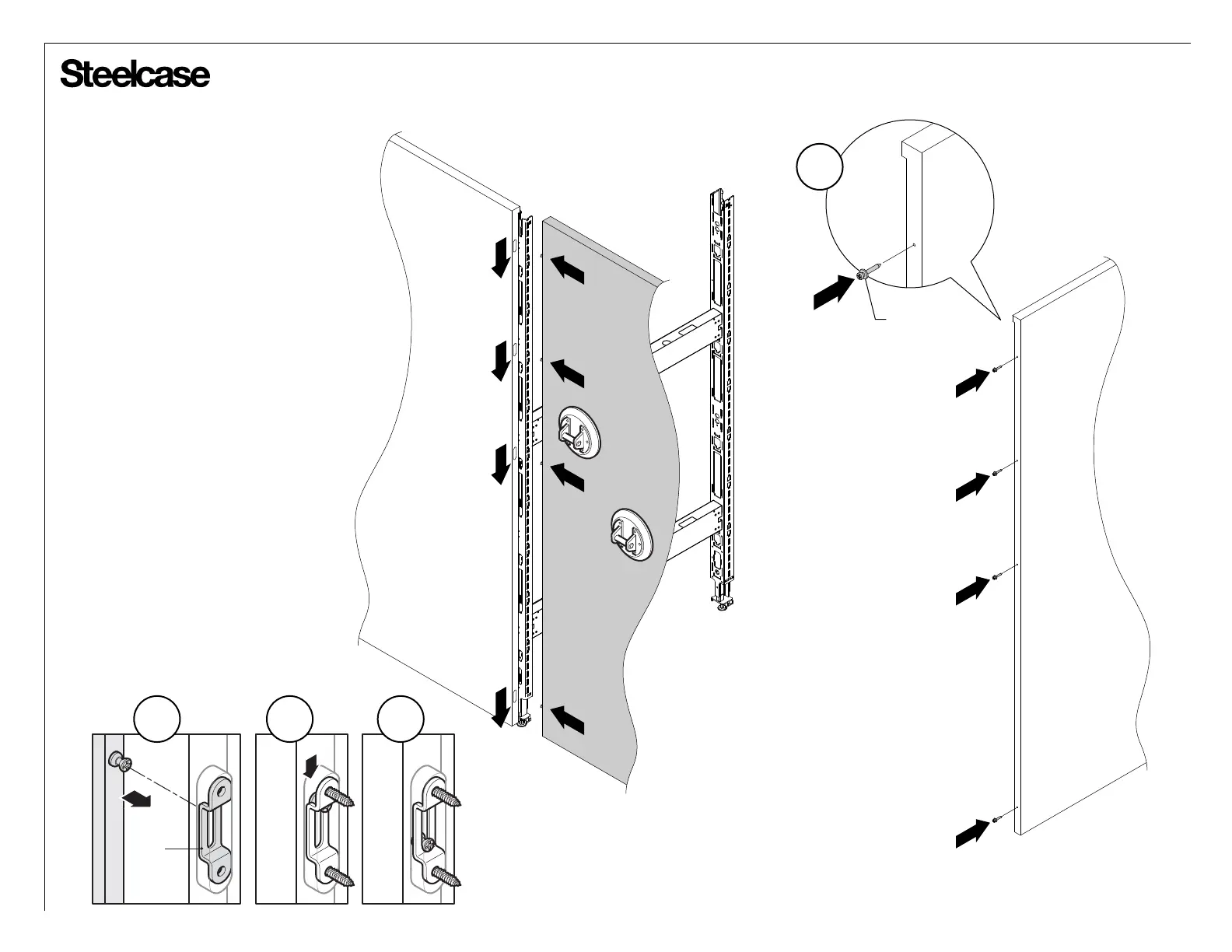
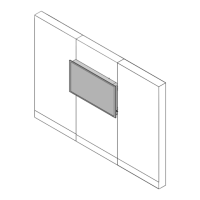
7. Attach modeez screws onto side of
split boundary screen. Quantity of screws
will vary with the height of the screen.
8. Position modeez screws on split
boundary screen into pocket and over
clips (8a). Push split boundary screen
downward (8b) until modeez screws are
secured (8c).
NOTE: Use a rubber mallet to help with
alignment.
TIP: Use suction cup holders to help this
installation process.
MODEEZ
SCREW
7
CLIP
8b 8c8a




 To Next Page