Page 6 of 39
73085 Rev E
®
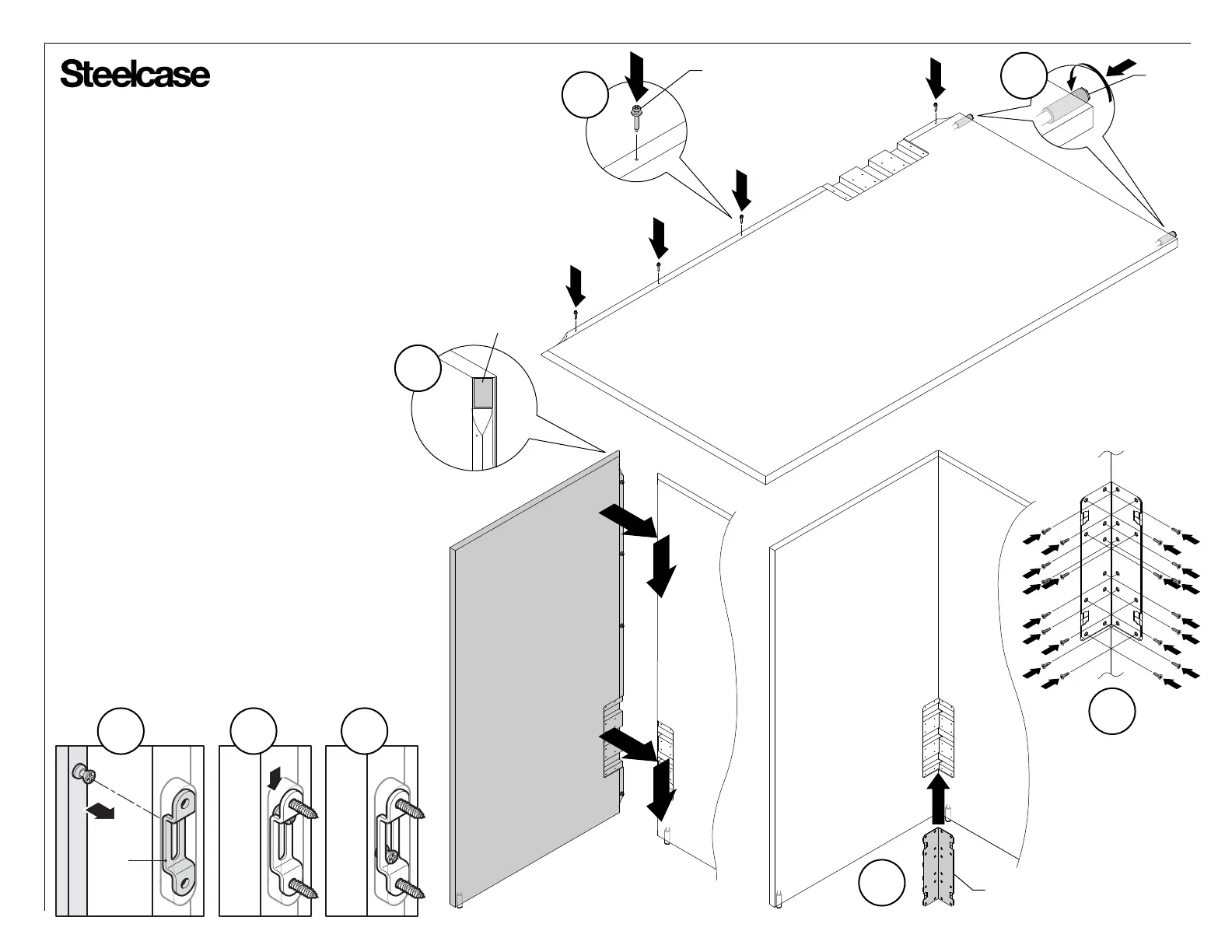
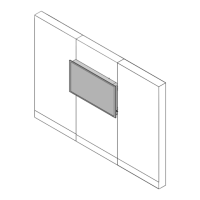
Return Installation
1. Place boundary screen on a clean, scratch
resistant surface.
2. Attach modeez screws onto side of return
boundary screen. Quantity of screws will vary
with the height of the screen.
3.
4.
Remove backing on felt and adhere to
screen as shown.
Install glides as shown.
5. Position modeez screws on return boundary
screen into pocket and over clips (5a). Push
return screen downward (5b) until modeez
screws are secured (5c)
.
6. Place corner wing bracket into position (6a)
and attach with twenty (20) flat head wood
screws (provided) (6b).
7. Install two (2) decorative covers as shown
on page 5, step 10.
3
2
6a
CLIP
5b 5c5a
6b
GLIDE
MODEEZ SCREW
CORNER WING
BRACKET
FELT
4




 To Next Page