Software
UR22C Operation Manual 15
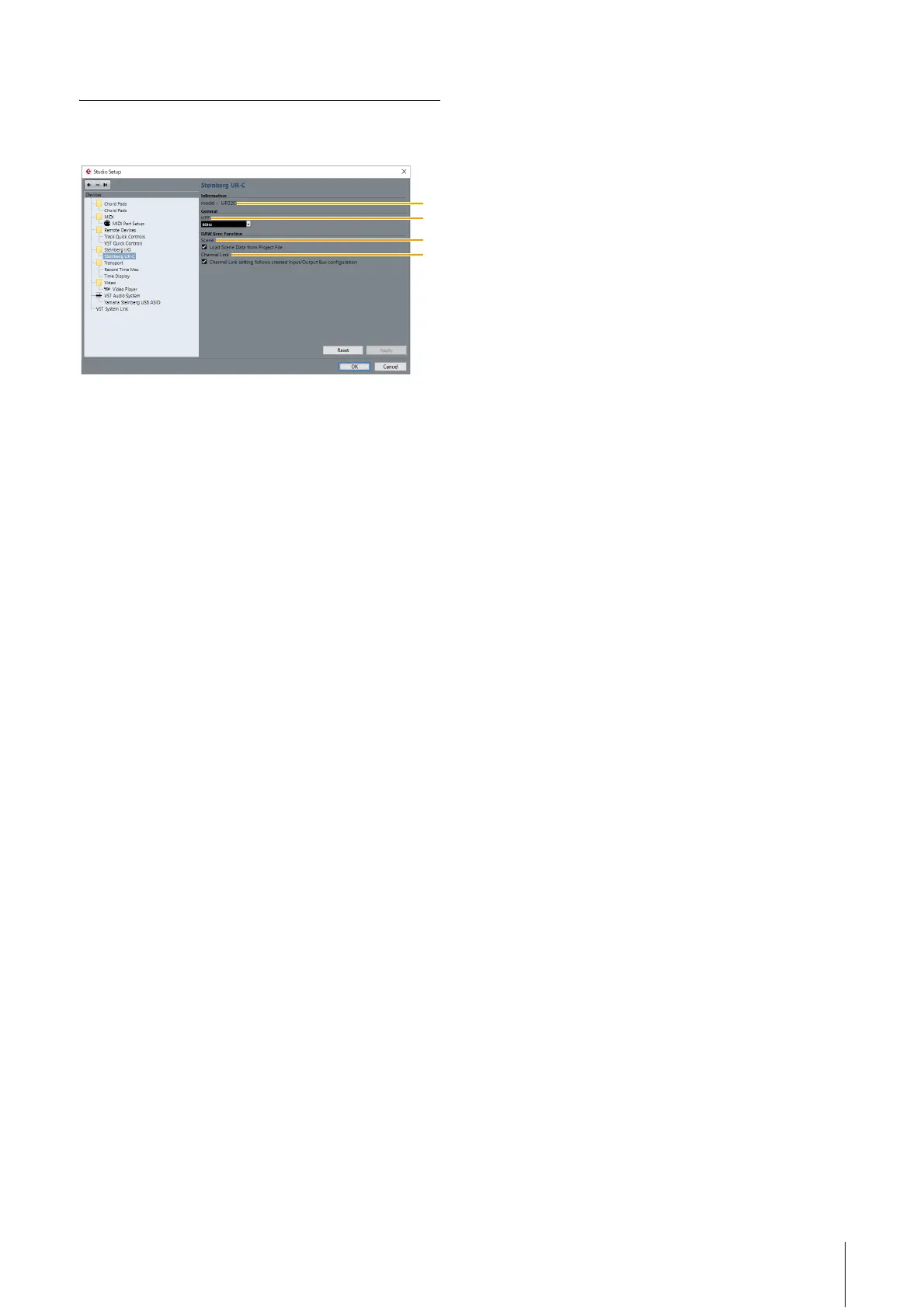
Hardware Setup Window
This window allows you to configure general hardware
settings and Cubase-linked function settings.
1 model
Displays the name of the device.
2 HPF
Selects the cutoff frequency of the high pass filter.
Settings: 120Hz, 100Hz, 80Hz, 60Hz, 40Hz
3 Scene
Automatically applies scene information to the UR22C
device when loading a Cubase project file containing
UR22C scene data.
NOTICE
Data saved to the device will be overwritten.
4 Channel Link
Automatically configures stereo links based on the bus
configuration in use.



 To Next Page