Using with an iOS Device
UR22C Operation Manual 29
10. While singing into the microphone, adjust
the output signal level of the headphones
with the [PHONES] knob on the device.
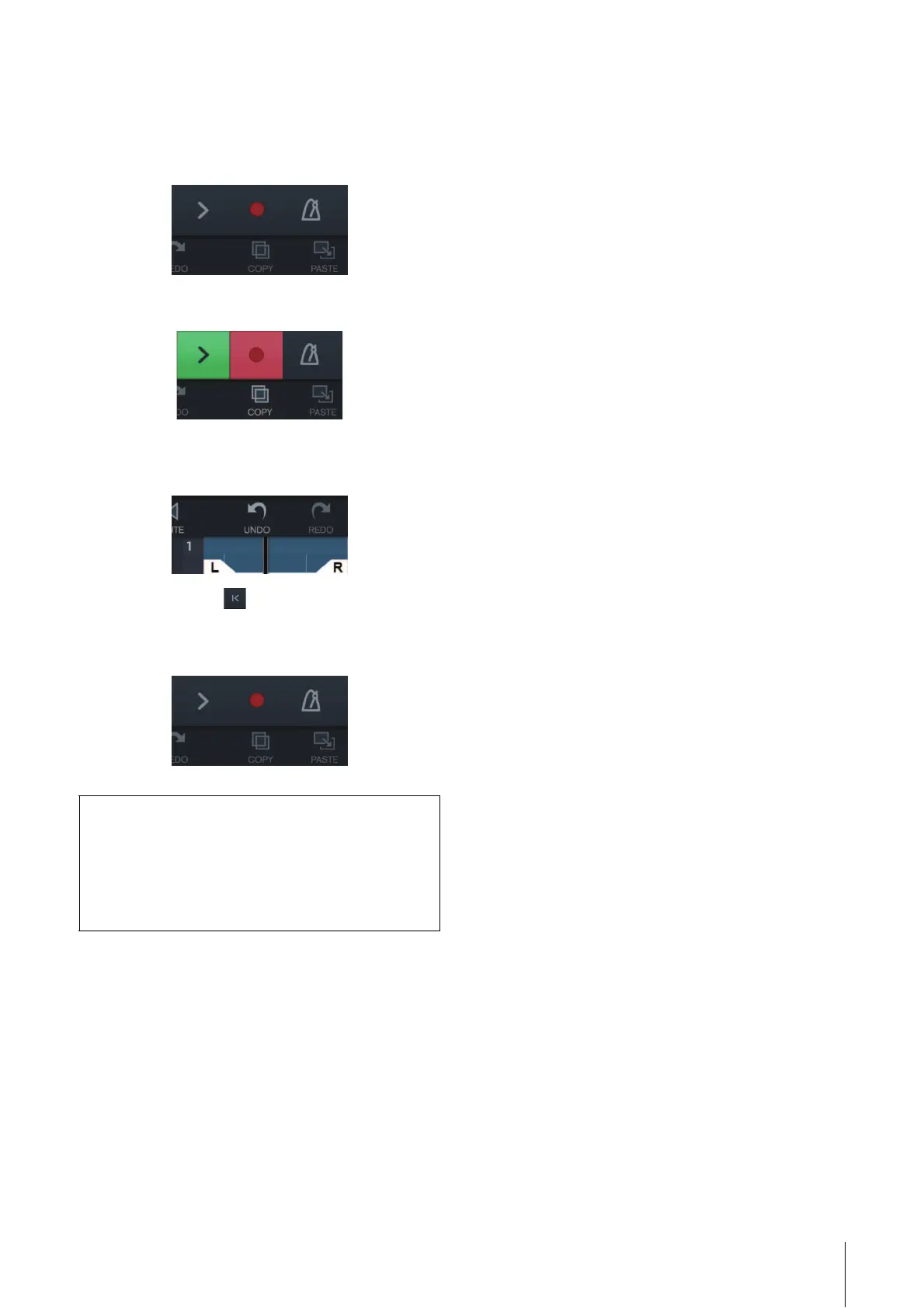
11. Tap [I] to start the recording.
12. Tap [>] to stop the recording.
13. Tap and slide on the ruler to move the
playback position.
You can also tap to return the beginning of the
recording.
14. Tap [>] to playback the recorded sound.
dspMixFx (for iOS devices)
From your iOS devices, you can conveniently control
built-in DSP mixer functions and DSP effects by using
dspMixFx for iOS devices. For details on this app, see
the Steinberg web site below.
https://www.steinberg.net/



 To Next Page