2-2
Stellar 4500 Manual
Crane Radio
Remote Operation
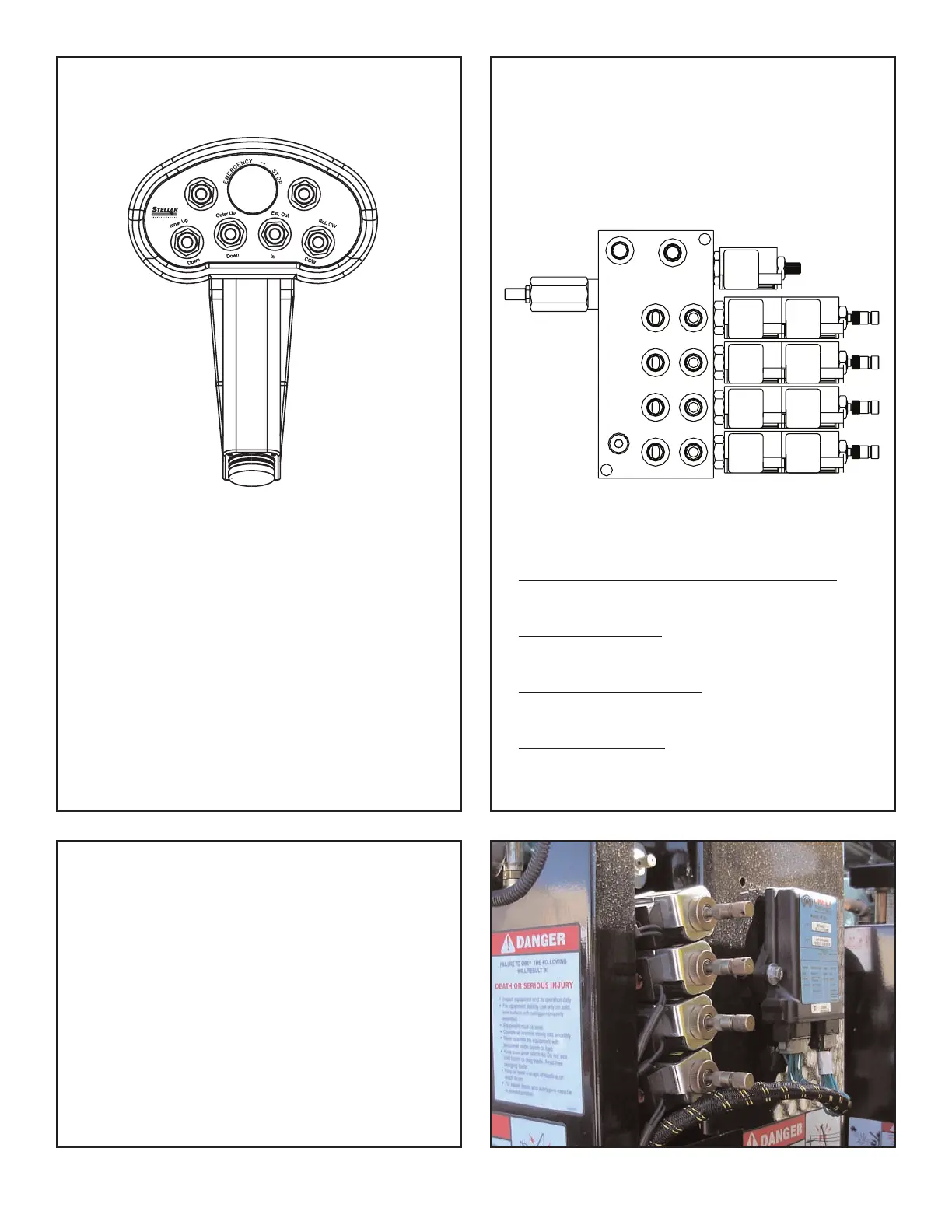
The crane is operated by a radio control system which
operates an electronic valve bank. The controller (as
shown above) operates the following functions:
Main Boom Up and Down
Outer Boom Up and Down
Extension Boom In and Out
Rotation Clockwise and Counter-Clockwise
To operate the crane, activate the desired toggle
switch. The crane will not function until the trigger on
the remote handle is activated. The crane speed will
change as the trigger is pulled or released.
Note: If the crane does not operate, check the batteries
located in the remote handle and replace if necessary.
Note About Battery Condition
The batteries included with this equipment may be
rechargeable. To keep rechargeable batteries in
optimal working condition, follow these simple
guidelines:
1. Keep battery away from moisture. Store in a cool,
dry location.
2. Do not store or carry battery so that metal objects
can contact exposed metal end. Keep battery cap
on when not in use.
3.
The batteries should be recharged when they fail to
produce suf
ficient power
.
4. Never attempt to open the battery for any reason.
Manual Operation
In case of radio failure, the crane can be
operated using manual overrides located on
the valve bank.
Valve Manual Override Operation
1. Activate Flow Control (Proportional Valve):
Turn override screw on flow control out.
2. Operate Solenoids:
Unlatch then push or pull to operate.
3. Deactivate Flow Control:
Turn override screw on flow control in.
4. Have Unit Serviced.
P
ULL
PUSH
ROTATION
ROTATION
EXTENSION
EXTENSION
CW
CCW
RETRACT
EXTEND
EXTEND
OUTER
O
UTER
RETRACT
R
ETRACT
EXTEND
INNER
INNER
PROPOR-
T
IONAL
VALVE



 To Next Page