EasyManua.ls Logo

stellar labs 4500 - User Manual

Default Icon
46 pages
Print Icon
To Next Page IconTo Next Page
Loading...
Stellar Industries, Inc.
190 State Street
PO Box 169
Garner, IA 50438
800-321-3741
Fax: 641-923-2811
www
.stellarindustries.com
Owners Manual
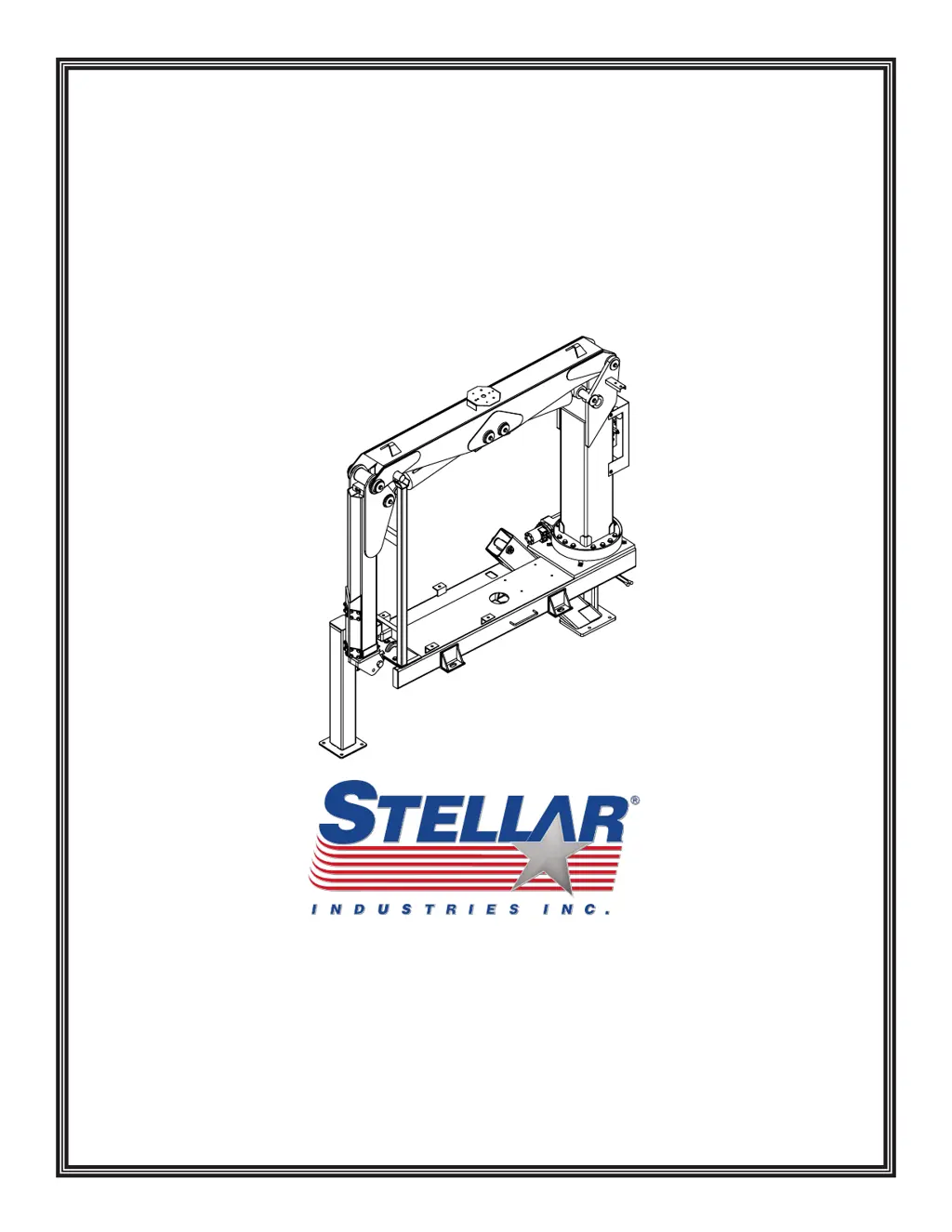
4500 Articulating Crane
Manual Part No. 37809
Last Revision: 4/6/09
Subject to Change without Notification.
©
2009 Stellar Industries, Inc.
Safety, Installation, Maintenance, and Operation

Questions and Answers

  • J
    John JohnsonAug 2, 2025
    What to do if my stellar labs 4500 crane will not operate?
    • E
      Edwin RichardsonAug 2, 2025
      Here are a few things to check if your crane isn't operating: * Ensure the parking brake is engaged. * Confirm the PTO is engaged. * Verify 12V power is reaching the radio receiver. If not, trace back to the power source, checking for blown fuses or loose ground connections. * Make sure the transmitter batteries are fully charged. Rechargeable batteries last about 11 months or 200 charges. * Ensure the hydraulic pump operates at its rated flow or GPMs, using a flow meter to check. If the pump seems weak, contact Stellar Customer Service.
  • J
    Jasmine ButlerAug 6, 2025
    Why does my stellar labs 4500 Construction Equipment crane only operate at full speed?
    • J
      James GriffinAug 7, 2025
      If your crane only operates at full speed, check the following: * See if there is a constant 12V power supply to the proportional valve. If 12 volts are present without pulling the transmitter trigger, the handle/trigger assembly may be defective. If 8 volts are present at the proportional valve, the valve might be stuck open. Remove, clean, and reinstall the valve, being careful not to overtighten. If the problem continues, replace the proportional valve. * Ensure the manual override on the proportional valve is turned in, not out.
  • S
    Sarah DavisAug 15, 2025
    What to do if stellar labs 4500 Construction Equipment crane operates manually but not electrically?
    • M
      Michael HuangAug 15, 2025
      If your crane operates manually but not electrically, check these items: * Ensure that there is 12V power going to the radio receiver. If there is no power going to the receiver, trace back to the power source and check for a blown fuse or loose ground connection. * Make sure that the parking brake is engaged. * Make sure that the parking brake switch is working properly. Check the parking brake switch by performing a continuity test. If the switch is defective, simply replace it.
  • T
    Terry McphersonAug 25, 2025
    What to do if not all stellar labs 4500 Construction Equipment crane functions operate using the radio remote transmitter?
    • J
      Jennifer RayAug 25, 2025
      If some crane functions aren't working with the radio remote, or the crane operates intermittently, check these: * Ensure the toggle switch is functioning correctly. Replace it if defective. * Verify power is reaching the valve bank coil solenoid for the non-operational function. If not, check wiring connections on the wire harness plug connector for broken wires, loose connections, or poor crimps. If power is present at the solenoid valve, it may not be opening to allow hydraulic oil to the function that is not operating. Check the coil for polarity, if coil does not magnetize, replace the coil. If the coil is functioning, remove stem valve, thoroughly clean, lubricate, and reinstall valve. Do not over tighten. If the valve will not close, simply replace it.
  • L
    Leah WaltersNov 9, 2025
    What to do if Stellar Labs Construction Equipment crane operates slowly?
    • G
      Garrett MunozNov 9, 2025
      If your crane is operating slower than expected, consider these points: * Ensure the crane is receiving the recommended GPMs to operate. * Check the hydraulic fluid level in the reservoir and add fluid if needed. * Inspect the valve bank orifice for any blockages. If it's plugged, replace it. Contact Stellar Customer Service for instructions. * Verify the proportional valve is receiving 12V power when the transmitter trigger is fully engaged. If not, check for loose connections inside the transmitter or replace the handle trigger assembly. If the proportional valve is receiving 12 volts, loosen the solenoid holding nut and check to see if the solenoid coil is magnetizing. If no polarity is present, replace the coil. If coil is magnetizing, remove the stem valve, thoroughly clean, ...
  • J
    Jorge CruzNov 18, 2025
    What to do if stellar labs 4500 cylinder drifts outward or downward?
    • K
      kwheelerNov 18, 2025
      If a cylinder drifts, consider the following: * Check for air in the hydraulic system. Operate all cylinders connected to the hydraulic system. Start with the extension cylinder, then operate the main boom, winch, rotation, and ending with the hydraulic outriggers, if installed. When operating, extend each cylinder halfway out, retract all the way in, and then extend until the cylinder rod is at the end of its stroke. Operate cylinders slowly so air is pushed thru the system to the reservoir. Repeat this cycle 2-3 times. * Ensure the holding valves are operating properly. Remove, clean, and inspect each holding valve. When removing a holding valve, always relieve the pressure inside the cylinder by loosening jam nut of the holding valve and turning set screw inward/clockwise. Count th...
  • T
    Tricia DonovanNov 26, 2025
    What to do if two functions operate at the same time on Stellar Labs Construction Equipment crane?
    • N
      ngriffinNov 27, 2025
      If two functions operate simultaneously when only one is selected, consider these steps: * Ensure the solenoid valves manual override sleeves are all in the center position and do not move when operating a function. If manual overrides have movement when operating the crane with the remote, replace the valves. * Identify the function operating on its own. Check for power going to the solenoid valve from a function that should not be operating. If voltage is present at the solenoid valve without operating the function, the toggle switch has failed and is stuck in the “on” function. If no voltage is present, the solenoid valve may be partially open. Remove the stem valve, thoroughly clean, lubricate, and reinstall the valve, being careful not to overtighten. Replace the valve if it will...

Summary

Chapter 1 - Safety

Safety Principles and Responsibilities

Owner responsibility, operator qualifications, personal and maintenance safety rules.

Operational Safety Practices

Covers stability, load handling, electrical hazards, and environmental considerations.

Crane Controls Safety

Safe operation of crane controls and preparation for use.

Chapter 2 - Operation

Job-Site Setup and Operation Sequence

Site preparation, operational sequence, and detailed operating steps.

Remote and Manual Operation

How to operate the crane via remote or manual controls.

Operational Safety and Transport

Key safety guidelines for operation, transport, and hook usage.

Operator Information

Operator Qualifications and Conduct

Criteria for operators and guidelines for safe behavior and responsibility.

Load Handling Procedures

Procedures for safely attaching, moving, and securing loads.

Chapter 3 - Maintenance

Inspection Requirements

Guidelines for performing daily and periodic inspections of the crane.

Weekly and Monthly Inspections

Procedures for weekly and monthly checks of crane systems.

Lubrication and Technical Procedures

Specific guidance on lubrication, valve checks, and torque specifications.

Inspection Checklist Summary

Overview of inspection frequencies and responsibilities for comprehensive crane checks.

Chapter 4 - Specifications

Crane Specifications

Detailed technical specifications for the 4500 Articulating Crane.

Chapter 5 - Decals

Decal Placement and Identification

Visual guide to decal locations, types, and part numbers for safety and identification.

Chapter 6 - Installation

General Installation Information

Overview of the installation process and considerations for the crane.

Installation Guidelines and Overview

Step-by-step guide and overview for mounting the crane to a service body.

Chapter 7 - Assembly Drawings

Base Assembly

Diagram and parts list for the crane's base assembly.

Mast Assembly Options

Diagrams and parts lists for mast assemblies with different radio receiver options.

Boom Assemblies

Diagrams and parts lists for main and extension boom assemblies.

Chapter 8 - Hydraulics and Electrical Systems

Hydraulic System Overview

General information and warnings related to the hydraulic system.

Control Kit Configurations

Diagrams and parts lists for Hetronic and Omnex control kits.

Hydraulic Kit Components

Diagram and parts list for the hydraulic kit.

Chapter 9 - Replacement Parts

Hydraulic and Electrical Components

Lists of replacement parts for hydraulic and electrical systems.

Assembly and Service Parts

Lists of parts for assembly, service kits, filters, and miscellaneous components.

Chapter 10 - Troubleshooting

General Crane Operation Issues

Solutions for common problems related to crane operation and specific components.

Radio Remote System Troubleshooting

Detailed diagnostics and steps for issues with the radio remote control system.

Limited Warranty Statement

Warranty Terms and Conditions

Details on warranty coverage, periods, and owner responsibilities.

stellar labs 4500 Specifications

General IconGeneral
Brandstellar labs
Model4500
CategoryConstruction Equipment
LanguageEnglish

Related product manuals