Chapter 2 - Operation
2-2
4.Operate Crane
A. Turn on necessary power to the crane.
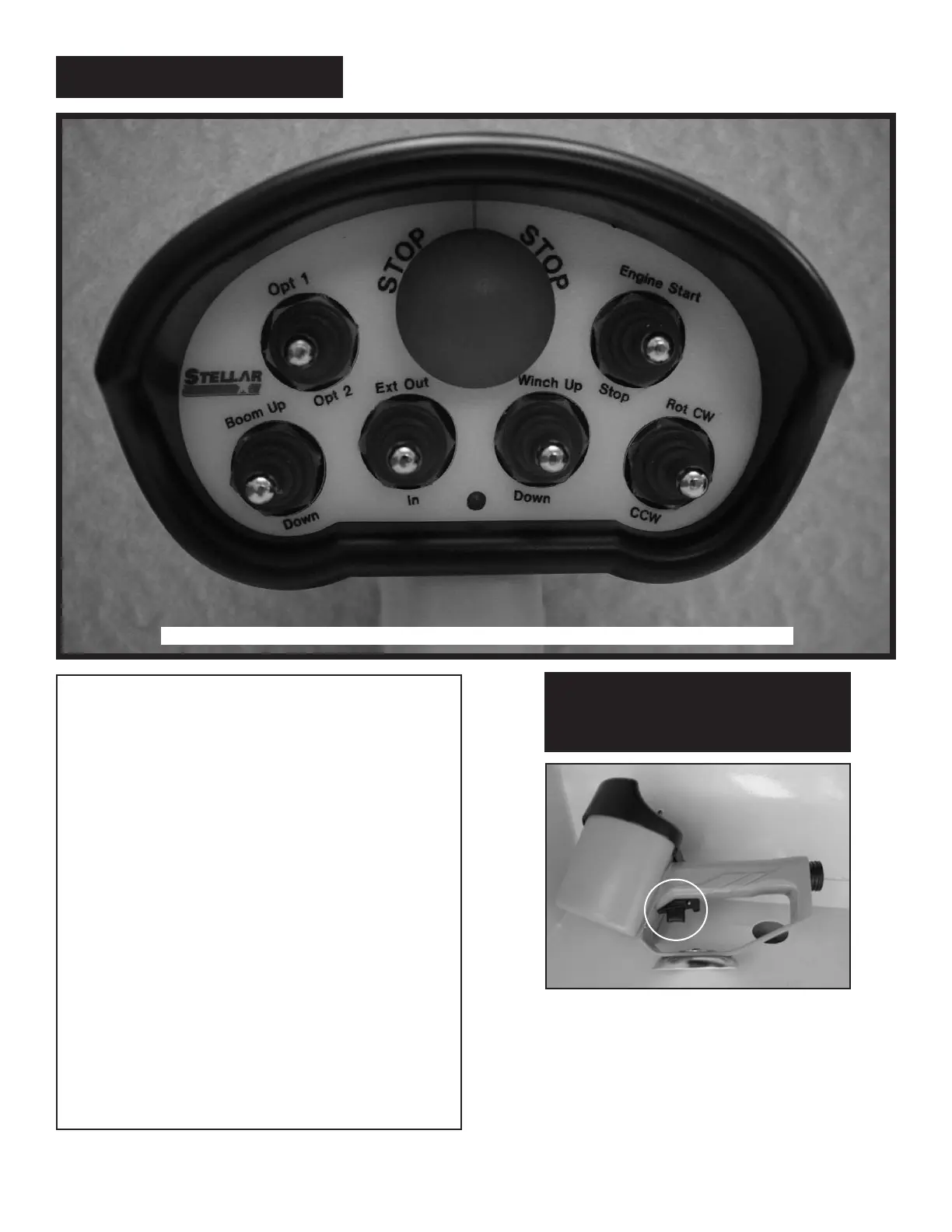
B. Activate toggle switch for desired crane
function. See Figures 1-a, 1-b, 1-c, 1-d.
D. Activate the push button switch located off
of the index finger to operate the function.
E. When operation is complete, store remote
handle in a safe, dry location.
5. Store Outriggers
Retract outriggers using the control levers or
switches marked ‘outrigger
’.
6. Turn Off Power to Crane
Deactivate power to crane and outriggers.
7. Disengage the PTO
A. On manual transmission vehicles, depress
the clutch pedal completely.
B. Disengage the PTO switch.
C. If vehicle is a manual transmission, release
the clutch pedal gradually.
Variable Speed Trigger on remote.
The crane should not function until the trigger has been
activated. Thespeed of the crane will vary in direct
correlation with how much or how little the trigger is
engaged.
NOTE: The radio control is
an electrical device. Please
Handle With Care!
1
6 Function Remote
This radio remote is the standard for the 5520, 6620, 6628, 9620, 9628, 10620, and 10628 model Stellar Cranes.



 To Next Page