DM422T Digital Stepper Drive User Manual
6.2 Output Current Configurations
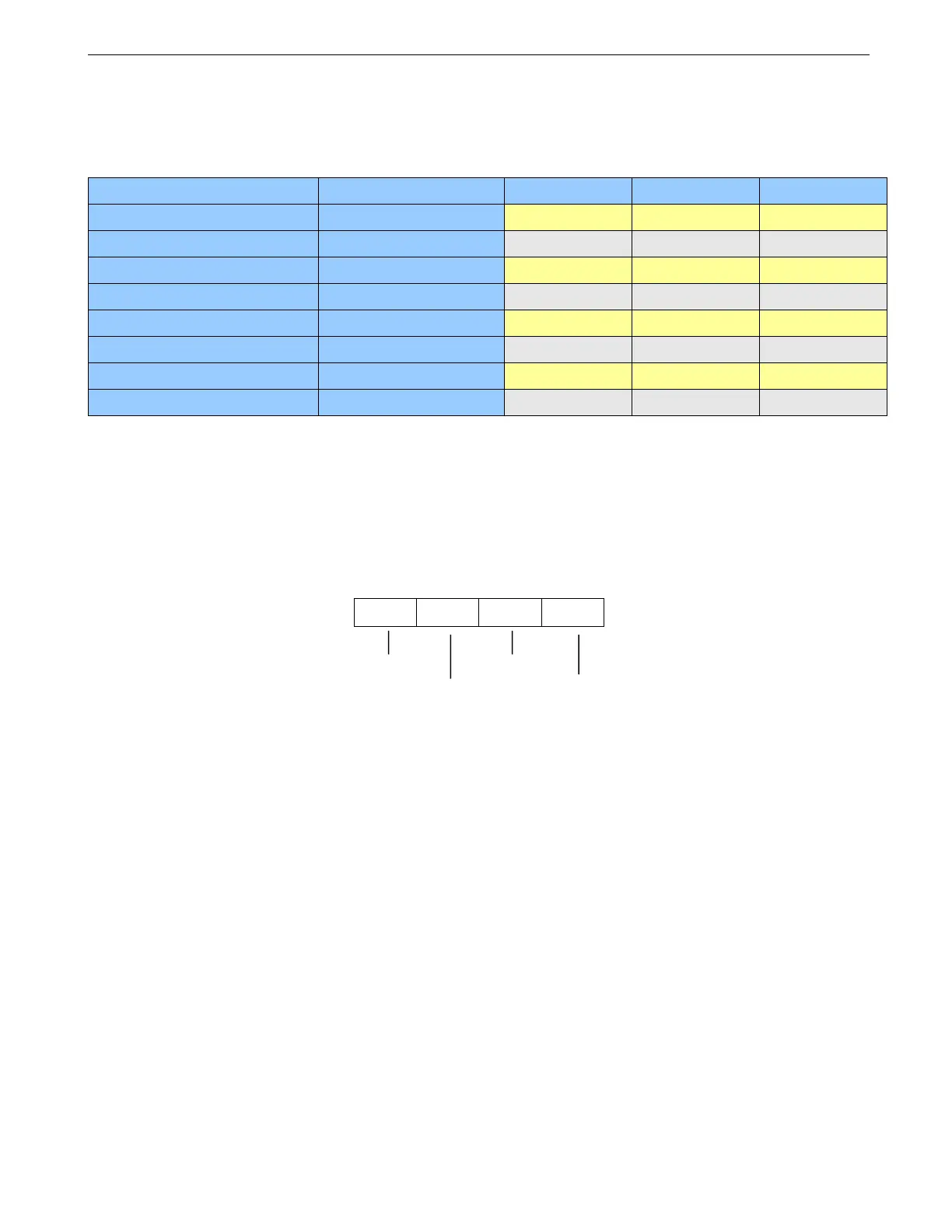
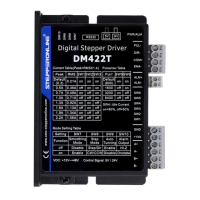
The first three bits (SW1, 2, 3) of the DIP switch are used to set the dynamic current. Select a setting closest
to your motor’s required current. Note: “default” means the parameters can be set by GUI tuning software.
6.2.1 Dynamic Current Configurations
6.2.2 Idle Current Configuration
SW4 is used to set motor idle current percentage. At OFF position it means the standstill current is set to be
50% of the selected output current. At ON position it means standstill current is set to be 90%.
The current automatically reduced to 50% of the selected dynamic current 0.4 second after the last pulse.
6.3 Additional Configurations
SW7: Smoothing Mode
SW7=off, Disable smoothing mode
SW7=on, Enable smoothing mode
SW8: Step Mode
SW8=off, single pulse, Step & direction
SW7=on, Double pulse, CW/CCW
SW9: Auto Tuning
SW9=off, Enable auto tuning
SW9=on, Disable auto tuning
SW10: Alarm Output
SW10=off, Low impedance between ALM+ and ALM- in normal operation
SW10=on, High impedance between ALM+ and ALM- in normal operation


 To Next Page