48 EN
5. OPERATION
5.3.7. BATTERY CHARGE DISPLAY-BATTERY ICON
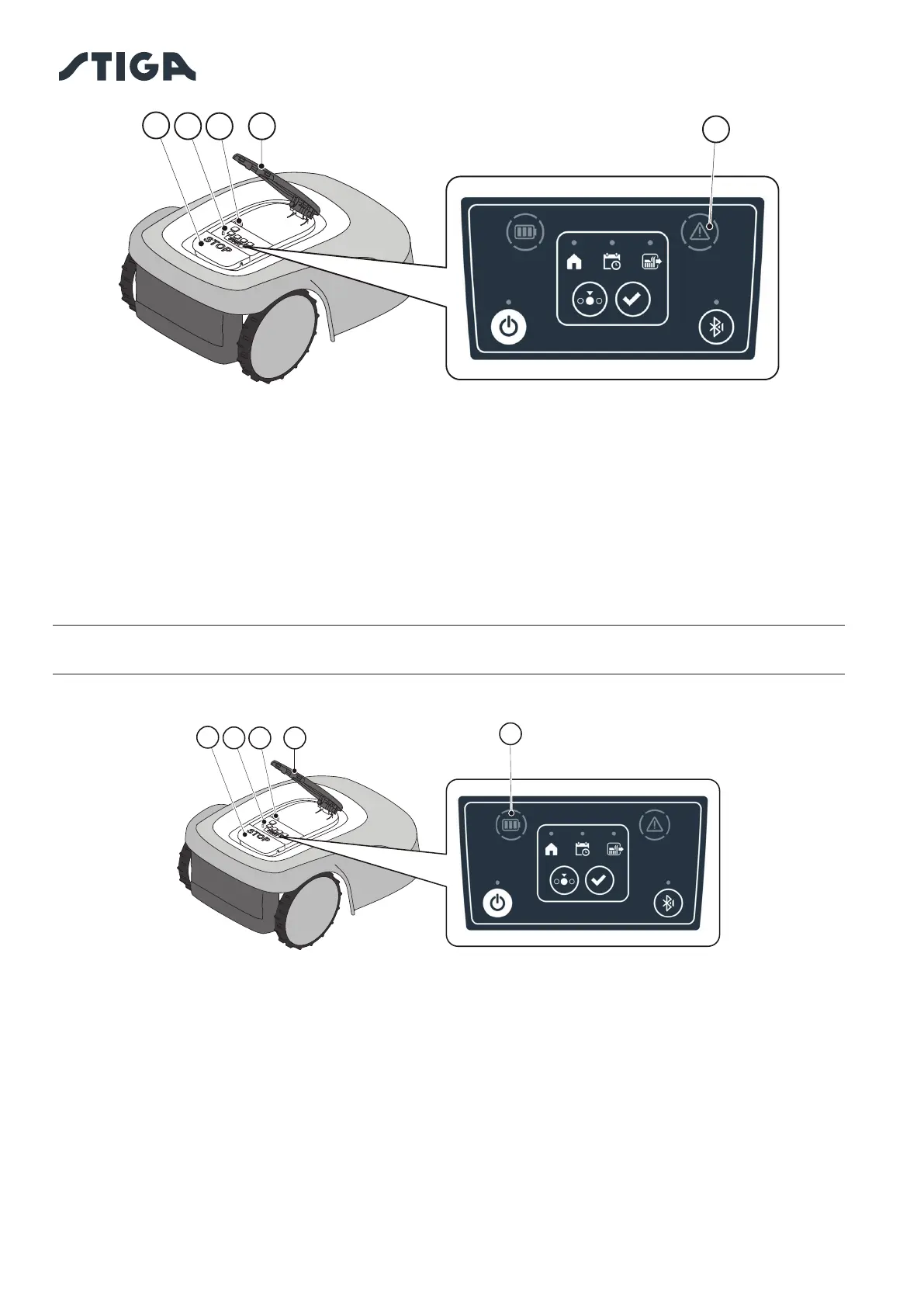
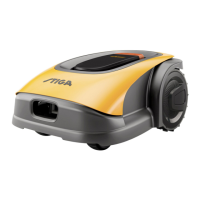
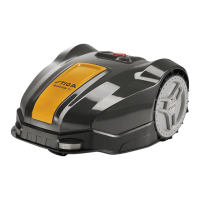
The “BATTERY” light icon (O) indicates the battery charge status.
Procedure:
1. Press the “STOP” button (A) to open the cover (B) and access the control panel (C).
2. Check the battery charging status through the light icon (O):
- Blue icon: the battery is charged (charge level >40 %).
- Red icon: the battery is charging (charge level 15-40 %).
- Flashing red icon: the battery charge is low (charge level <15%).
3. If the robot lawn mower is charging, the light icon (O) ashes.
NOTE: if the battery icon (O) ashes rapidly red when a command is pressed, the operation cannot be
carried out and it will be necessary to charge the battery manually (See chapter 5.5).
B
C
A
O
D
B
C
A
D
N


 To Next Page