Instructions (Cont.)
Selecting a Function and Temperature
Manual Operation Mode
You must set the appliance into manual operation mode before you can
select a cooking function or set a temperature. This is an important step
you must do when you want to use any oven function manually, unless
you are setting a timer.
• Press and hold the MANUAL [ M ] button for 3 seconds to set the oven
into standby mode.
Oven Functions
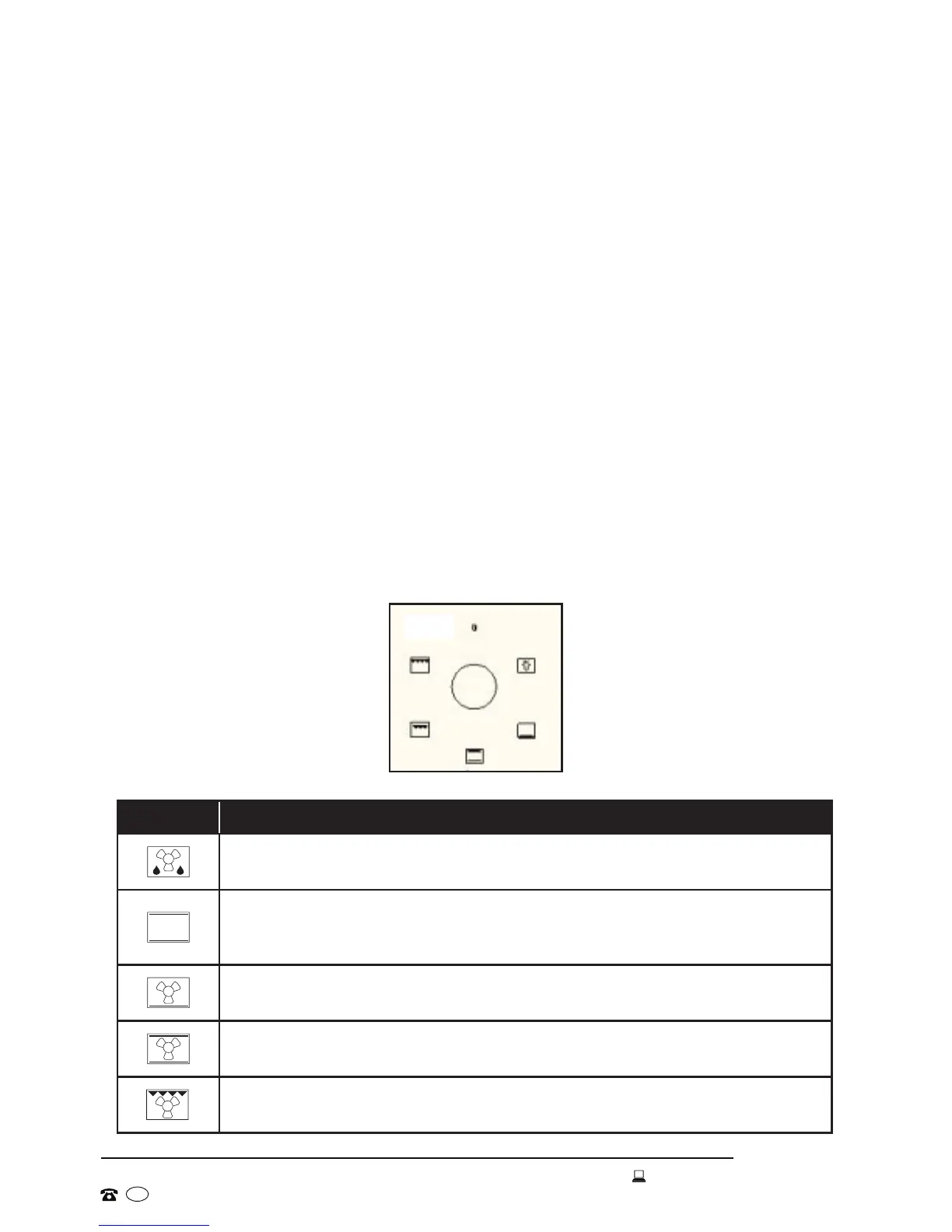
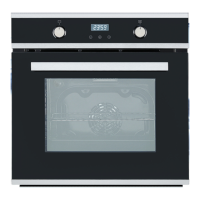
• Use the function selector dial to select your required cooking mode. Push
the dial in slightly, it will then pop out and reveal the available function
options, as illustrated in Fig. 8. The appliance will utilise different elements
within the oven cavity depending on the oven function selected.
• Turn the control dial clockwise to the required function. The power
indicator light and the light inside the oven will come on once a function is
selected.
Symbol Function / Cooking Mode
Defrost:
Fan only
Conventional:
Top heating element + bottom heating element
Fan Bake:
Fan + bottom heating element
Intensive Bake:
Fan + top heating element + bottom heating element
Fan Grill:
Fan + top heating element
Fig. 8


 To Next Page