Stonex S70G GNSS Handheld – User Manual v1.0
35
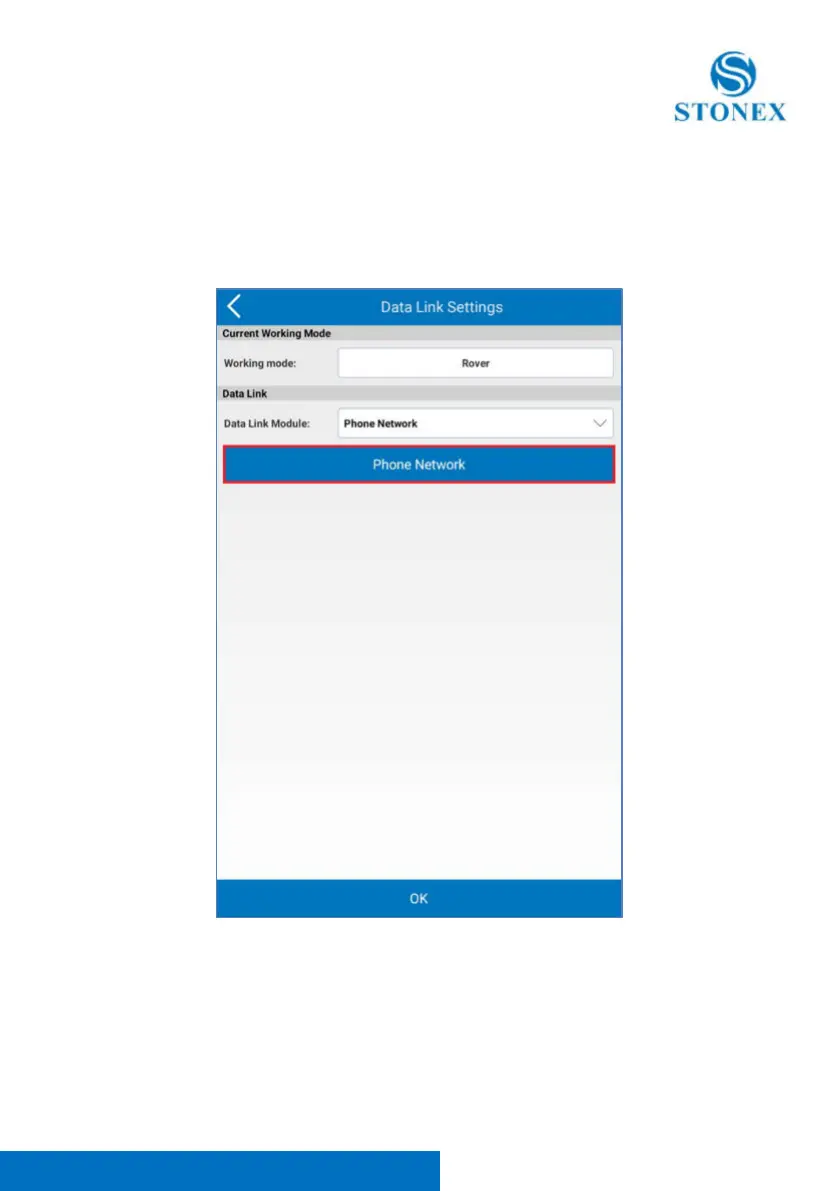
Data Link Settings window will open; in the Data Link Module drop down menu
you can choose the communication mode. It you want to send differential
corrections from controller for example, you should choose “Phone Network”,
then click on blue bar Phone Network to set the CORS parameters.



 To Next Page