Stonex S70G GNSS Handheld – User Manual v1.0
36
2.3.2 Surveying with SW Maps
After the internal GPS configuration with Cube-connector, you’ re ready to
start surveying with SW Maps.
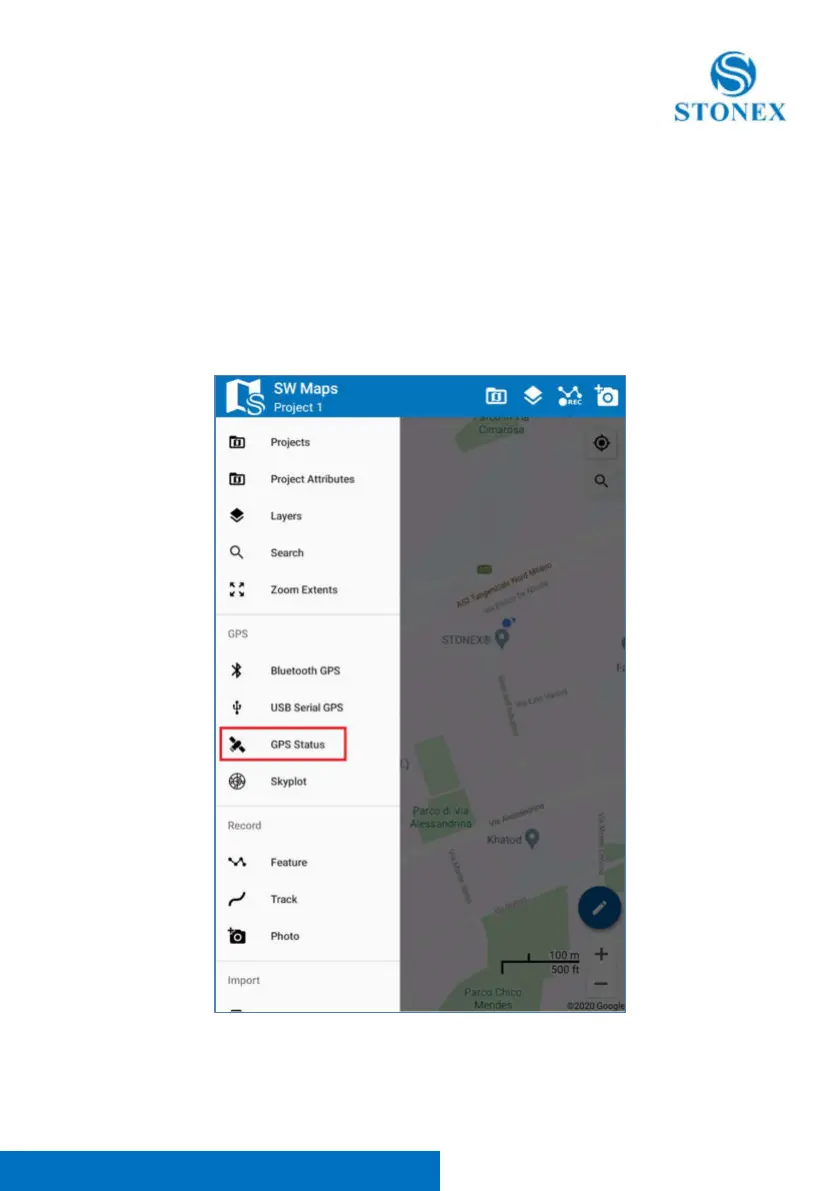
In the main menu of SW Maps, click on “GPS Status” to see some info about
the GPS status, such as the current coordinates, the type of solution, PDOP,
used satellites.



 To Next Page