Stonex S70G GNSS Handheld – User Manual v1.0
6
The image clearly explains the button’s features.
On the front side is present the front camera.
With the buttons on the right respect the central button is possible manage
the level of the volume and open the main menu.
On the right there is the Power On/Off button and the return button to go
back in the option/windows.
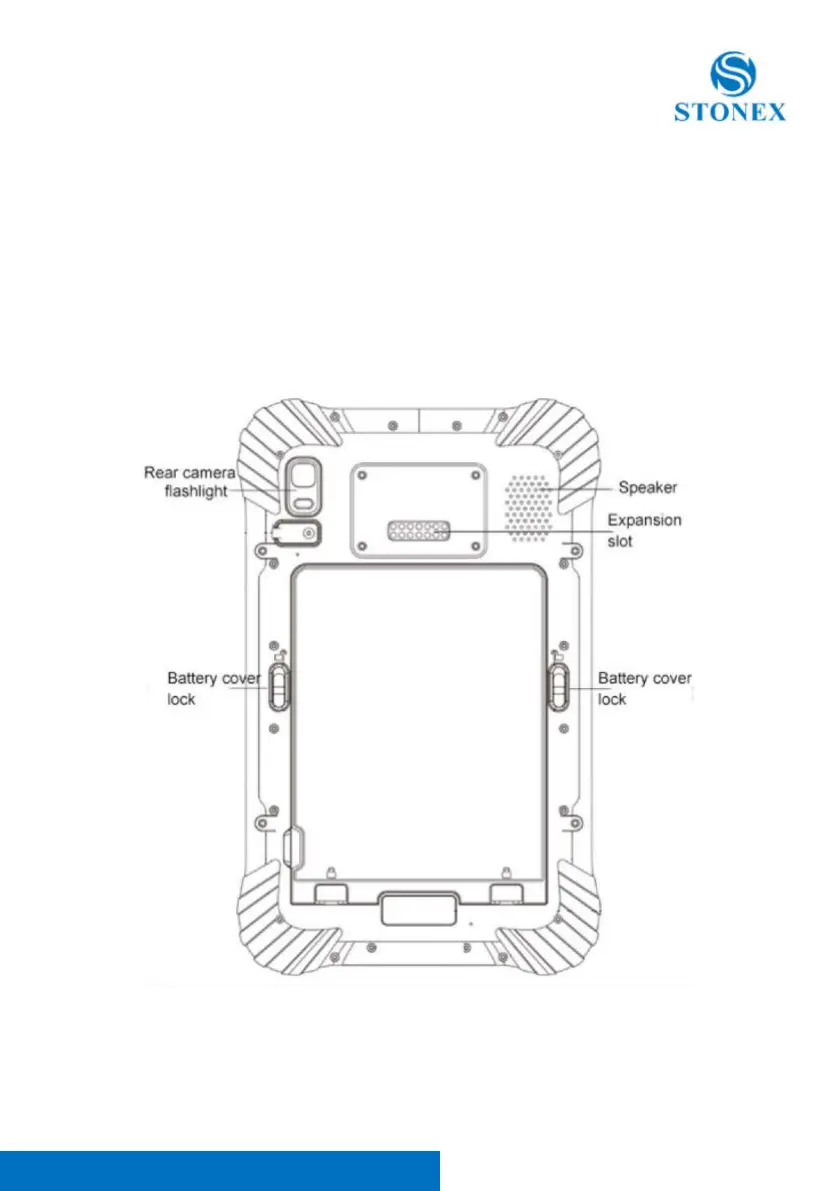
1.2. Back view
Figure 1.2: Controller Back view



 To Next Page