Stonex S70G GNSS Handheld – User Manual v1.0
8
2. Working Mode
S70G is a controller based on the Android 9 operative system.
The controller is thinked to be used for GIS applications and RTK project. With
the GNSS sensor is possible perform also Static session on the control points.
In the next paragraphs it will be explained how use the S70G with the Stonex
field Application Cube-a and also with the SW Map, the GIS application.
The guide will start with the starter configuration the user has to do during
the first start of the device.
2.1 Initialization
When you turn on the controller for the first time, it is necessary recognize the
GNSS sensor applied on it.
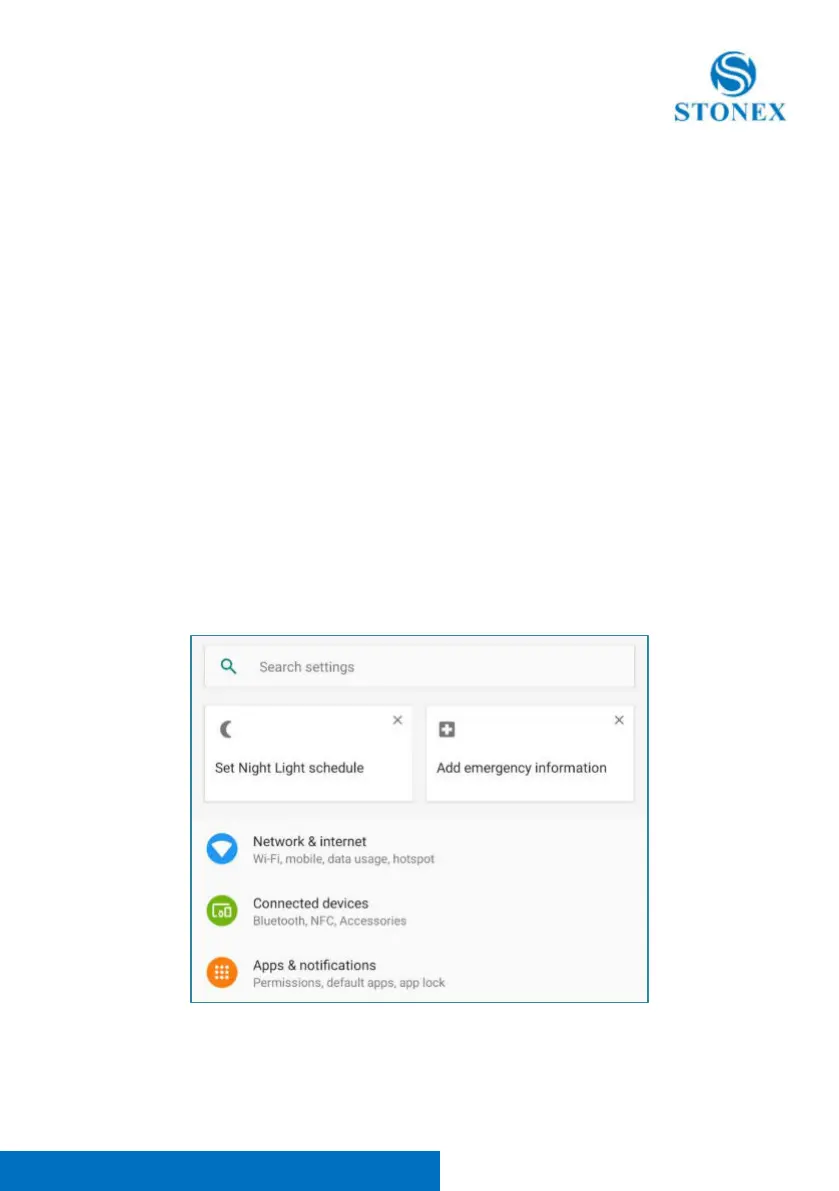
To do that, go in Android settings menu.



 To Next Page