Stonex S70G GNSS Handheld – User Manual v1.0
7
The back view shows the tools presents on the back of the controller.
On the right there is the speacker, on the left there is the camera.
In the middle there is the port for the GNSS sensor.
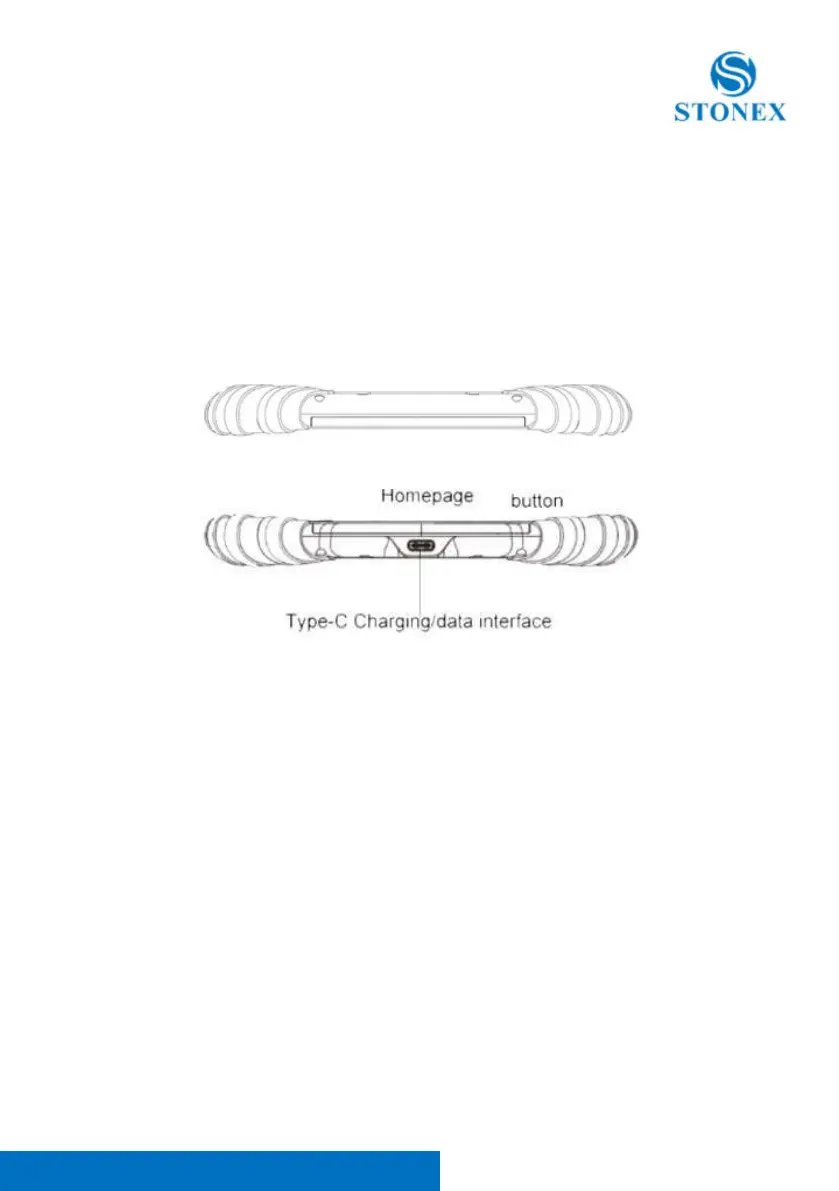
1.3. Upper and lower view
On the lower view there is the Type C port to charge the controller



 To Next Page